Clipchamp alternatives at a glance
| Tool | Best for | Modalities | Standout capability | Pricing model |
|---|---|---|---|---|
| Morphic | Teams making the footage and the edit in one place | Video, image, voice, music and sound effects | Agentic video editing: Copilot storyboards the script, generates every shot and edits the cut. Character and location reference sheets, 3D Scene camera control, workflows and live collaboration | Monthly subscriptions with credits |
| CapCut | Quick social edits on any device | Video, image, voice, music | Templates and one-tap effects on phone, desktop and web | Free plan, paid tiers and a Teams plan |
| Canva | Brand teams making video beside decks and posts | Design, video, image, voice, music | Millions of templates with Brand Kits | Free plan, Pro, Business and Enterprise |
| Descript | Talking-head videos, podcasts and screen recordings | Video, audio, image | Edit the video by editing its transcript | Free plan, then tiered plans with AI credits |
| Kapwing | Subtitles, dubbing and repurposing at volume | Video, image, voice, music | Long videos cut into social clips | Free plan, then per-member plans with credits |
Why do teams look for a Clipchamp alternative?
Teams look for a Clipchamp alternative when their videos outgrow quick edits. Clipchamp is an easy editor for recordings, stock footage and templates, close to the rest of Microsoft 365. Recent reviews and forum threads point to the jobs that come next.
- Deeper editing. Colour grading, green-screen keying and a layered sound mix for production work.
- Polished subtitles. Accurate captions, translated into other languages and styled to match the brand.
- Less time per video. An agent that plans the shots, makes them and assembles the cut from one request.
- Footage that does not exist yet. A product shot, a location or a scene nobody can film or find in stock.
- The same character in every shot. A presenter, mascot or product that looks identical from clip to clip.
- Team production. Several people working on one project live, with admin control over spend.
- Model choice. The strongest video, image or voice model for each shot, in one subscription.
How we evaluated Clipchamp alternatives
For Morphic's Clipchamp alternatives comparison, October 2026, the team compared five Clipchamp alternatives against the same six criteria, using each product's own website, pricing page and help docs.
- Editing: how deep the timeline goes, from trims and captions to grading, keying and a layered mix.
- Generation: whether the tool makes new footage, and how many models it offers.
- Agent: whether an agent plans and runs multi-step work, inside the edit as well as before it.
- Consistency: how a person, product or location stays the same across shots.
- Team work: live collaboration, review, and admin controls over seats and spend.
- Pricing model: how each tool is billed, from plan tiers to credits.
The comparison table uses three values:
- Yes: the product's own pages describe the feature, and it is available to use.
- Partial: available in a narrower form, such as a preview, a single model or a reduced version.
- Not documented: not found on the product's own pages as of October 2026.
Morphic: best for making the footage and the edit in one place
Morphic is an all-in-one AI creative suite for image, video, voice and music generation, with an agent, a shared Canvas and a timeline editor in one workspace.
Key capabilities
 Agentic video editingCopilot storyboards the script, generates the shots and edits the cut
- Reference sheetsKeep each character and location the same in every shot
 3D shot blockingControl staging, camera and lens before you generate
 WorkflowsAutomate repeatable steps and save time on every video
- Live collaborationWork on one Canvas together in real time, from Pro
Agentic editing reads the timeline the way you do. Copilot uses your selection and the playhead as context, so "make this one shorter" is a complete instruction. It also handles sweeps, like a crossfade between every clip or the music lowered under the voiceover. Each request is one undo, and it never touches your own edits.
Compose, Morphic's multi-track timeline, keeps the craft by hand: trim and split clips, then grade, key and mix on their own tracks.


Grade the look
Curves, wheels and LUTs, or ask for a warm film look.
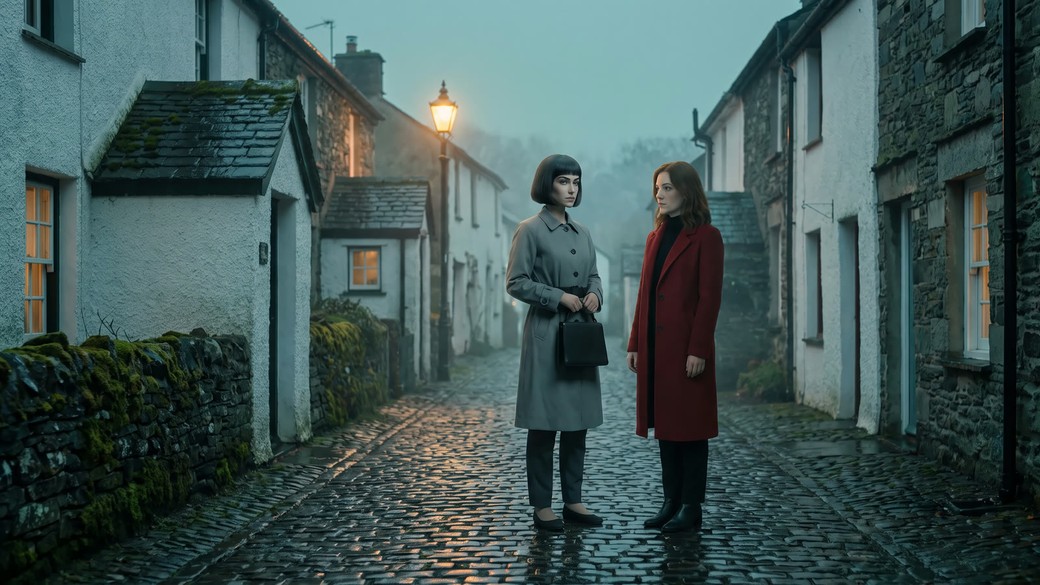

Key a green screen
Drop the subject into a new scene with blend modes.
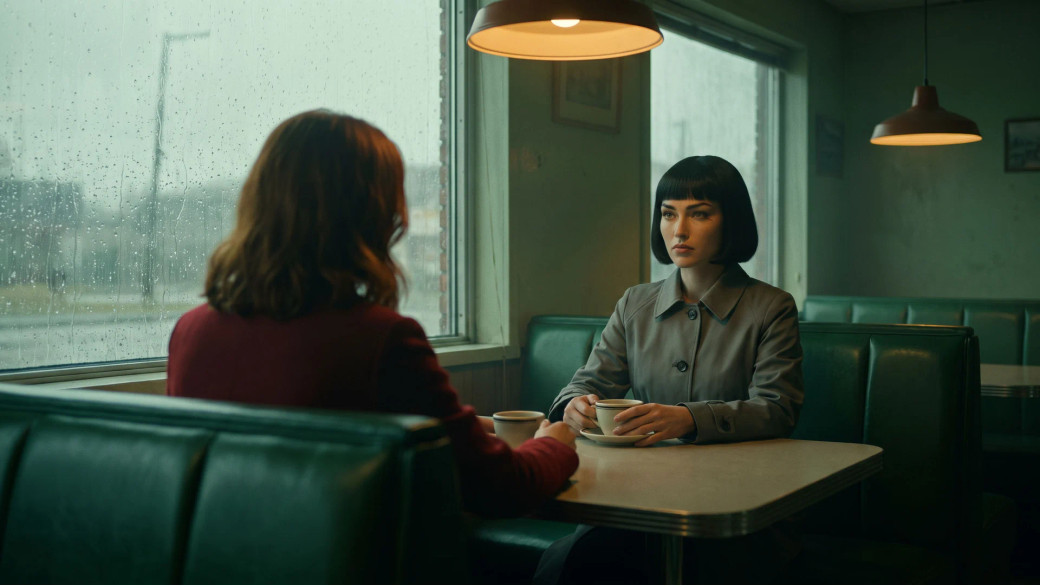
Mix the sound
Music, effects and dialogue on their own tracks.
Around the core, Morphic covers the rest of production.
Create
- Top models, one planPick the right video, image or voice model per shot.
- Voice, music and effectsVoiceover, voice changer, songs and sound effects.
- Subtitles and dubbingTranscribe, translate, burn in, or dub a finished clip.
- Enhance and upscaleUpscale, restore or HDR-finish clips, on paid plans.
- Relight and re-angleRelight a shot or see it from a new camera angle.
- RecastSwap the people in a clip, keep the motion. Paid plans.
Organize and review
- CommentsPin a note to a spot or a moment, and tag a teammate.
- Review sheets and briefsCopilot builds the page from your work, shared by link.
- Video analyzerAsk a question about a clip and Copilot watches it.
- Tags and favoritesTag work by client or status, then filter the library.
- Workspace searchFind any file, asset or workflow from one shortcut.
- Morphic MCPRun Morphic from the AI assistant you already use.
Enterprise
- User groupsSet who can do what with groups and permissions.
- Credit limitsGive each member a credit limit that the admin sets.
- Model accessChoose which models the whole workspace can use.
- ConnectorsImport from your team's storage and save back to it.
- Voice cloningClone a voice once the speaker gives permission.
- Background tasksLong jobs keep running in the background as you work.
Where Morphic fits
Morphic fits teams whose videos need new footage as well as a finished edit: marketing teams shipping weekly campaigns, agencies turning briefs into cuts, studios planning coverage, and creators publishing on a schedule.
The whole job stays in one project, from the script to the final cut. Takes land on the shared Canvas for the team to pick from, and the chosen shots go straight onto the timeline. Recorded footage works too: upload a screen recording, and Copilot transcribes it and cuts it with the rest.
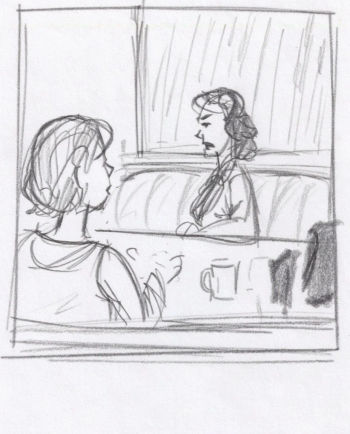
Script in, storyboard out
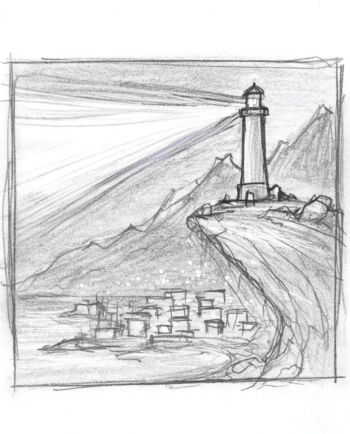
Attach a script or PDF and Copilot boards the scene before anything renders.
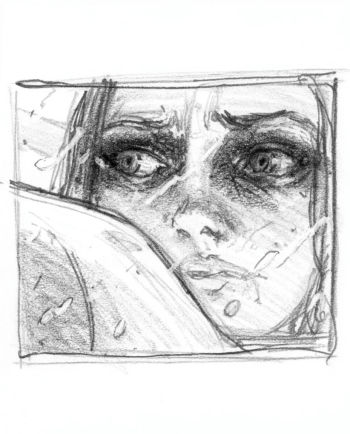
Footage made for your story
Ask for takes of a shot you could not film. They land on the Canvas together.




Ask for the cut
Describe the edit, like a shorter vertical version, and Copilot makes it.
Work together, live
Follow a teammate around the Canvas as they work, from the Pro plan.
Consider Morphic if
You want to plan, make and finish the video in one place. For screen recordings with a voiceover inside Microsoft 365, Clipchamp's built-in recorder takes fewer steps.
Pricing model: monthly subscriptions that include credits for generation. Live collaboration starts on the Pro plan, and Enterprise is priced with sales.
See the full head-to-head: Morphic vs Clipchamp.
CapCut: best for quick social edits on any device
CapCut is ByteDance's video editor for social content, on phone, desktop and the web.
Key capabilities
- Social templates you fill with your own clips, plus one-tap effects.
- A multi-layer timeline with keyframes, chroma key and auto captions.
- Seedance clips, or a full draft from a chat in Video Studio.
- Voiceover from text, generated songs and sound effects.
Where it fits
Creators and social teams who post short videos often, from their phone.
Consider if
Short social videos come first. As of October 2026, one person edits a project at a time.
Pricing model
Free plan, paid tiers and a seat-based Teams plan, as of October 2026.
Canva: best for brand teams making video beside decks and posts
Canva is a design platform where video sits beside decks, docs, websites and print.
Key capabilities
- Millions of templates, kept on brand with Brand Kits.
- A multi-track video timeline with Beat Sync and background removal.
- Short clips from a partner video model, plus AI voice and music.
- Real-time co-editing on every plan, with comments.
Where it fits
Brand and marketing teams who make video in the same place as their designs.
Consider if
Design breadth matters more than video depth. As of October 2026, generated clips are short and come from one model.
Pricing model
Free plan, then Pro, Business and Enterprise, as of October 2026.
Descript: best for talking-head videos and podcasts
Descript is a video and podcast editor where you edit the recording by editing its transcript.
Key capabilities
- Cut video by deleting words, and drop filler words in one step.
- Record screens and remote guests, then clean the sound with Studio Sound.
- Underlord, its AI co-editor, cuts, adds lower thirds and makes clips.
- Image and video generation inside the editor, by plan.
Where it fits
Podcasters, educators and teams who record people talking.
Consider if
Your videos start as recordings. As of October 2026, saved character references are not documented.
Pricing model
Free plan, then tiered plans with media hours and AI credits, as of October 2026.
Kapwing: best for subtitles, dubbing and repurposing
Kapwing is a browser video editor with Kai, an AI agent that plans and edits projects.
Key capabilities
- Repurpose Studio cuts long videos into resized, subtitled social clips.
- Subtitles, translation and dubbing in many languages.
- Kai storyboards scenes, generates shots and edits the open project.
- Real-time co-editing in a shared workspace with a Brand Kit.
Where it fits
Marketing and internal comms teams who publish one video in many sizes and languages.
Consider if
Repurposing and localization are the main jobs. As of October 2026, colour grading and 3D shot planning are not documented.
Pricing model
Free plan with watermarked exports, then per-member plans with credits, as of October 2026.
Clipchamp alternatives compared
| Capability | Morphic | CapCut | Canva | Descript | Kapwing |
|---|---|---|---|---|---|
| Modalities covered | Video, image, voice, music, sound effects | Video, image, voice, music | Design, video, image, voice, music | Video, audio, image | Video, image, voice, music |
| Model choice | Yes | Yes | Partial | Yes | Yes |
| Agent that executes multi-step work | Yes | Yes | Partial | Yes | Yes |
| Storyboarding | Yes | Yes | Partial | Partial | Yes |
| Consistency method | Character and location reference sheets | Up to 50 references per clip | Brand Kits | Custom avatars | Saved AI characters |
| 3D shot blocking | Yes | Partial | Not documented | Not documented | Not documented |
| Text to speech and voice changer | Yes | Yes | Yes | Partial | Partial |
| Music with vocals and sound effects | Yes | Yes | Yes | Yes | Yes |
| Dubbing | Yes | Not documented | Yes | Yes | Yes |
| Lip sync | Yes* | Yes | Not documented | Partial | Yes |
| Voice cloning | Yes* | Yes | Partial | Yes | Yes |
| Timeline editing | Yes | Yes | Yes | Yes | Yes |
| Colour grading (curves, wheels, LUTs) | Yes | Yes | Not documented | Partial | Not documented |
| Green-screen keying | Yes | Yes | Partial | Yes | Yes |
| Transcription and subtitles | Yes | Yes | Not documented | Yes | Yes |
| Workflows | Yes | Partial | Partial | Partial | Partial |
| Live team collaboration | Yes* | Partial | Yes | Yes | Yes |
| Comments on the work | Yes | Yes | Yes | Yes | Yes |
| Copilot artifacts: review sheets, storyboards, briefs | Yes | Not documented | Partial | Not documented | Not documented |
| User groups and permissions | Yes* | Partial | Yes | Yes | Partial |
| Model access controls | Yes* | Not documented | Partial | Not documented | Not documented |
| Team spend controls | Yes* | Not documented | Not documented | Not documented | Not documented |
| Pricing model | Subscriptions, credits | Free plan, tiers | Free plan, tiers | Free plan, credits | Free plan, credits |
*Morphic plan gates: lip sync from Basic, live collaboration from Pro, per-project credit budgets from Pro Plus, and voice cloning, user groups, model access and per-member credit limits on Enterprise.
Competitor details as of October 2026, from each product's public pages and help docs
Which Clipchamp alternative should you choose?
- Choose Morphic if you need new footage as well as the edit, with an agent that plans, generates and cuts in one project.
- Choose CapCut if you edit short social videos on your phone and want templates and effects ready to use.
- Choose Canva if your team makes video beside decks, posts and print, under one set of brand rules.
- Choose Descript if your videos are recordings of people talking and you prefer editing a transcript.
- Choose Kapwing if you publish one video in many sizes and languages, with subtitles and dubbing.
Verdict
Morphic keeps the whole production in one chain. Copilot plans the job and generates the shots. Reference sheets fix the cast, the product and the set before the first take. The shared Canvas holds every take for the team to pick from. Compose cuts, grades and mixes the chosen shots. Nothing is exported, re-uploaded or re-explained between the brief and the final cut.
What creators say about Morphic

This is a 100% AI-made film. But so well done!
This is how AI filmmaking should be done.
Very realistic and professionally written and directed by the @morphic team on their platform and without using Seedance 2.0

Morphic has been my first choice for image generation for more than 9 months now.
But it's also a great all-in-one platform that can fully support your entire creative workflow.
Highly recommend trying Morphic.

On Morphic Canvas, you can easily group and sort your files, making it a breeze to pick what you need or just grab everything at once. @morphic
Current obsession: GPT Image 2 on Morphic.
FAQs
Morphic is the strongest Clipchamp alternative when the video needs footage as well as editing. Its agent, Copilot, plans the shots, generates them on the model that suits each one, and edits a multi-track timeline with grading, keying and captions. CapCut suits quick social edits, and Descript suits transcript-led editing of recordings.
Yes. Morphic includes Compose, a multi-track timeline where you trim, split, grade, key and mix by hand, or describe the change and Copilot makes it as one undo step. Generated shots land on the same timeline, so nothing is exported and re-uploaded between making the footage and cutting it.
Morphic, through reference sheets. Build a character sheet for each recurring person and a location sheet for each recurring place. Copilot passes the sheets into every generation that needs them, so a presenter looks the same from clip to clip and the set stays the same set. Reference footage works too, not just stills.
Yes. One Morphic plan covers the top video, image, voice and music models, and every generation draws on the same monthly credits. Pick a model for each shot yourself, or let Copilot choose the one that suits the shot. Some models need a paid plan.
Morphic, from the Pro plan up. Teammates co-edit one project live, comment on a spot in a frame, and share workflows that repeat a proven process. Enterprise adds user groups and permissions, per-member credit limits, model access controls and connectors to the team's storage.
Morphic leads on it. Copilot, Morphic's agent, storyboards the script, generates each shot and edits the Compose timeline on request. It uses your selection and the playhead as context, handles sweeps across the whole cut, and every request is one undo. CapCut, Descript and Kapwing also offer AI editing agents, each with a narrower scope.
Yes, by exporting the media. Export your video or clips from Clipchamp, then upload them to Morphic or give Copilot a link to fetch them. Attach a file in the chat and Copilot places it on the Compose timeline. Save a recurring presenter or product as a Reference for every new shot.
Yes. Record with the tool you already use, upload the file, and cut it frame by frame on the Compose timeline. Copilot transcribes it for subtitles and, if you ask what happens in a clip, watches the footage to answer. A missing shot or a title card can be generated in the same project.
Related
Morphic vs Clipchamp
The head-to-head, row by row, from the agent to the recorder.
AI video editor
A closer look at Compose: the layered timeline and Copilot editing it with you.
Descript alternatives
Options for teams editing recordings, and where Morphic picks up the production.
Filmora alternatives
Desktop-editor alternatives, from AI generation to live team editing.
Simple pricing
Get started for free today, with the option to upgrade or cancel anytime.
Basic
2400 monthly credits
1 user only
All models
Workflows
Standard
3625 monthly credits
1 user only
All models
Workflows
Pro
6350 shared monthly credits
1 user
All models
Workflows
Max
24650 shared monthly credits
1 user
All models
Workflows
Enterprise
For higher limits
Custom
pricing and billing terms

Free
For playing around
$0
forever free