Foggy graveyard below the mansion
Leaning headstones and a twisted bare tree in rolling fog, a spired gothic mansion behind them with two pale windows under a full moon.
Edit prompt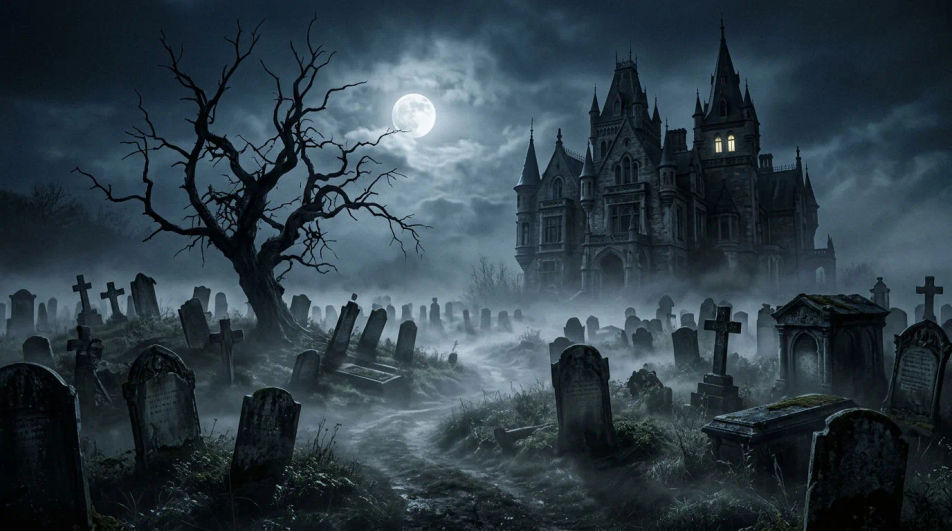
Describe the haunted house image you want in Morphic's Image tool, from a peeling Victorian at dusk to a storm-lashed cliff manor in oil paint or a pixel-art house on a hill. Set the building, the weather and the style, keep the variant that lands, then download it in HD as a wallpaper, poster or video background.
Leaning headstones and a twisted bare tree in rolling fog, a spired gothic mansion behind them with two pale windows under a full moon.
Edit promptA dark mansion alone on a hilltop as lightning forks behind its tower, rain sheeting across the valley and a road winding up through the trees.
Edit prompt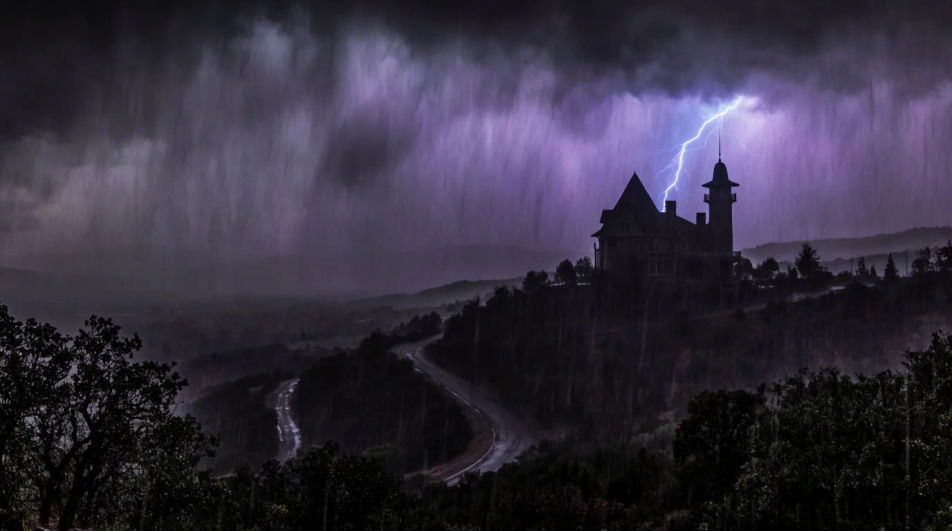
The broken double doors of a haunted house hanging open on a dusty entrance hall, a fallen chandelier on the floor and moonlight slanting down the staircase.
Edit prompt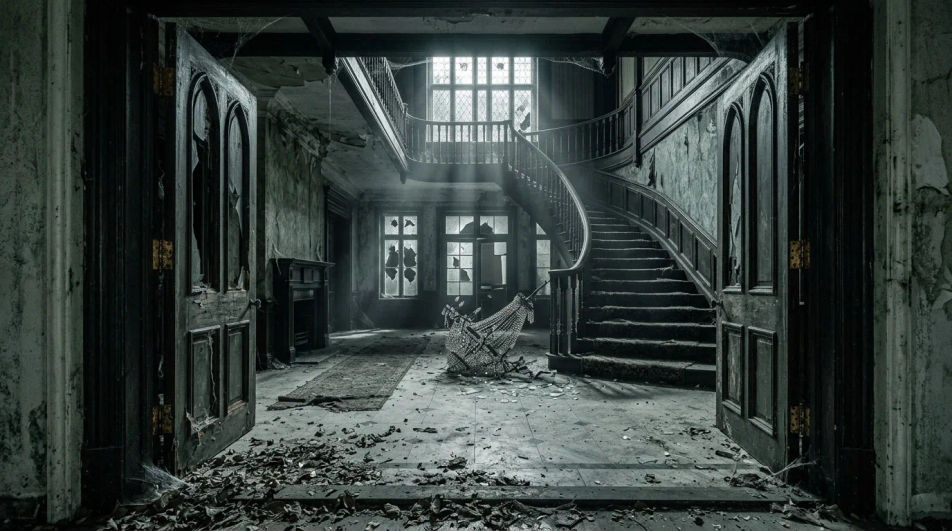
A flat black haunted house, a dead tree and a few bats at the right edge against a plum-to-orange dusk gradient, the open sky left clear for a title or video call.
Edit prompt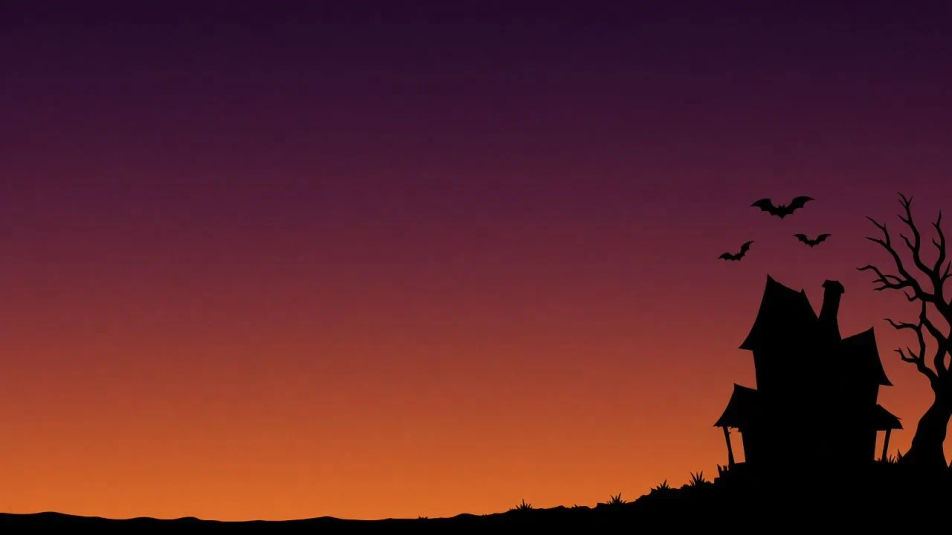
Describe the Haunted house you want, in plain words.
Morphic generates a clean, ready-to-publish image on your canvas in seconds.
Tweak the prompt, regenerate variations, then download or share the frame.
Convert any image to a new aspect ratio. Smart crop or extend the edges to fit.

Generate a female AI influencer. Vertical output, ready for socials.

Dramatize any text conversation into a cinematic multi-shot video.

Dramatic 5-second product reveal video with audio.
Cinematic time-freeze short film for any scene
Pair a character image with a reference video. Your character picks up that exact motion.
Halloween AI videos
Create spooky Halloween videos with AI in seconds. Haunted houses, pumpkins, ghosts, costumes. Pick a style, add your prompt, and generate in minutes.
Haunted house drawings from crooked cottage to derelict manor
Turn a haunted house drawing idea into a finished image in Morphic. Describe the line work and style, generate variations, then refine it on the canvas.
Haunted mansion interior AI images
Make haunted mansion interior AI images in your browser: cobwebbed staircases, dust sheets, peeling wallpaper. Direct the decay and light. Start creating.
Halloween background AI images
halloween background for the festive season. AI-generated designs in HD, ready to download, share, and customize with Morphic.
Get started for free today, with the option to upgrade or cancel anytime.
Basic
2400 monthly credits
1 user only
All models
Workflows
Standard
3625 monthly credits
1 user only
All models
Workflows
Pro
6350 shared monthly credits
1 user
All models
Workflows
Max
24650 shared monthly credits
1 user
All models
Workflows
Enterprise
For higher limits
Custom
pricing and billing terms

Free
For playing around
$0
forever free