Hyperion 2.5
by Topaz Labs
Topaz Labs' SDR to HDR model.
Turns 8‑bit video into 10‑bit ProRes and 16‑bit EXR masters.
Key features
Technical specifications
SDR to HDR
Inverse tone mapping from BT.1886 Rec.709 source to BT.2100 PQ.
Up to 16-bit
8-bit input expanded to 10-bit integer or 16-bit float per channel.
BT.2020 PQ
HDR10 by default, with ACES 2065-1 on the EXR output path.
ProRes, EXR
The two Topaz publishes for this model. The desktop app adds more codecs.
Use cases
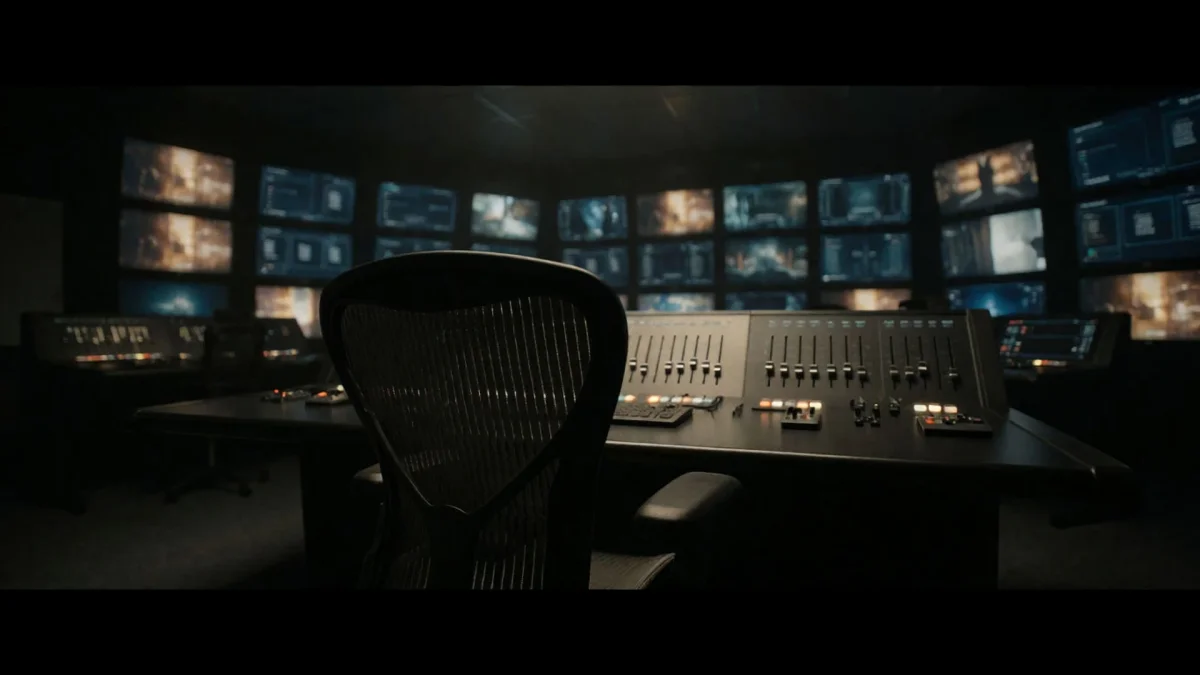
AI footage to delivery spec
Generated clips come out in a format most broadcast and streaming specs reject. This produces the master they ask for.
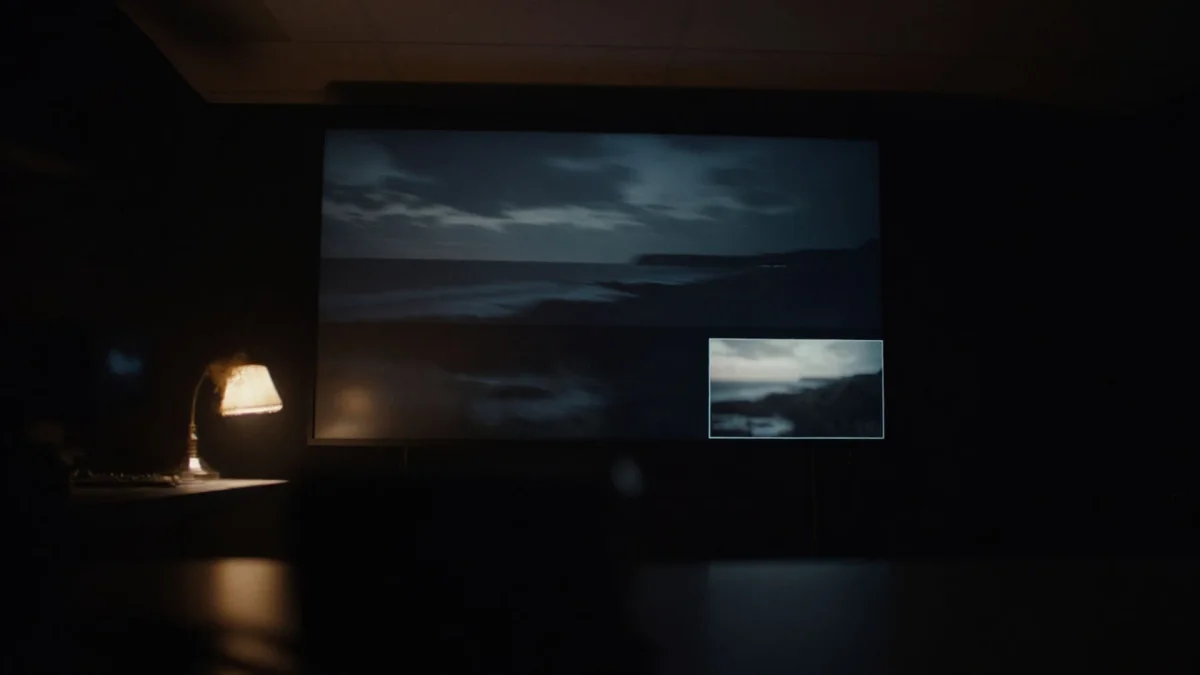
Handing a shot to VFX
The EXR output is the one a compositor can drop into a scene with live action and have the lighting actually match.
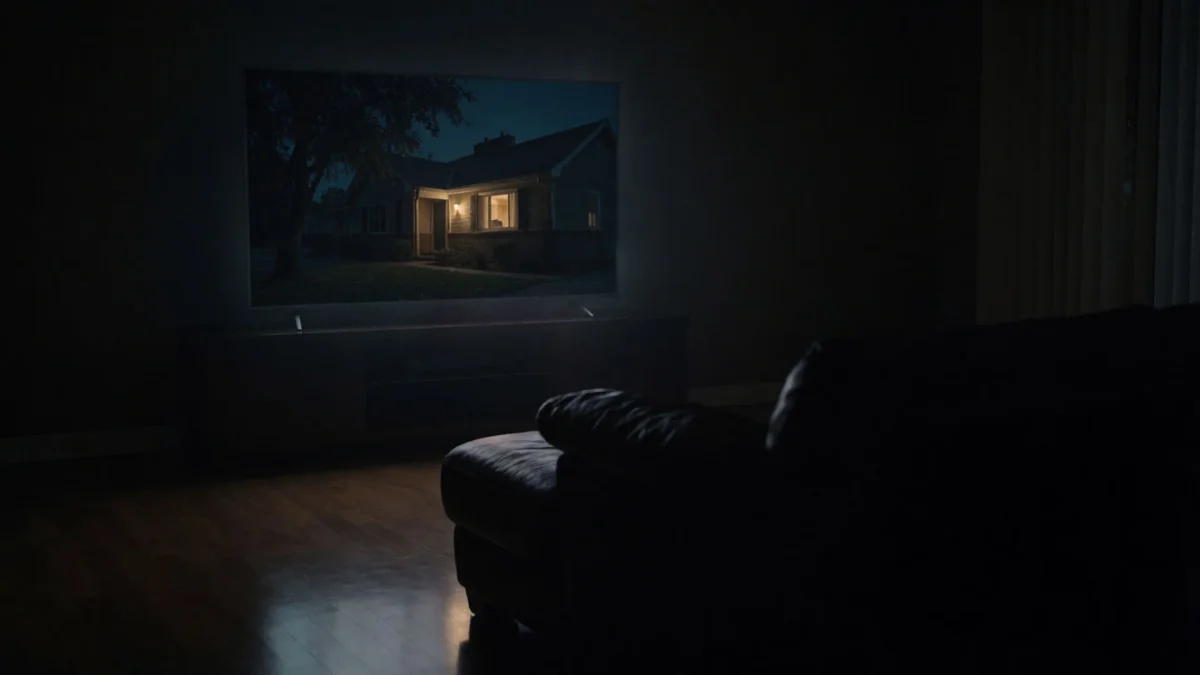
Streaming HDR10 delivery
H.265 comes straight out of the conversion, sized for platforms that want a finished HDR file rather than a master.
Converting a back catalogue
With nothing to set per shot, a long library converts to one consistent standard instead of being tuned clip by clip.
Grading with more room
A converted file holds far more tonal detail, so shadows and highlights survive a grade that would break the original.

Fixing banded skies
Sunsets and studio backdrops that broke into visible stripes come back as one smooth, unbroken gradient.
Overview
Hyperion 2.5 turns ordinary video into HDR. It redistributes the brightness and colour in each frame across a far wider range while holding on to the fine detail, and writes the result as a 10-bit ProRes or 16-bit EXR master, the files a broadcaster, a streaming platform or a visual effects artist will actually accept. The full walkthrough covers what to feed it and when it will not help.
Simple pricing
Get started for free today, with the option to upgrade or cancel anytime.
Basic
2400 monthly credits
1 user only
All models
Workflows
Standard
3625 monthly credits
1 user only
All models
Workflows
Pro
6350 shared monthly credits
1 user
All models
Workflows
Max
24650 shared monthly credits
1 user
All models
Workflows
Enterprise
For higher limits
Custom
pricing and billing terms

Free
For playing around
$0
forever free
FAQs
Vidu Q4
Shengshu Technology
Shengshu's latest video model. Up to 12 reference images and 3 voices held consistent across one clip, with native audio from 540p to 4K.
Nano Banana 2.1
Google DeepMind
Google DeepMind's new Flash image model. Better design, cleaner edits, steadier characters.
Flux 3 Image
Black Forest Labs
Black Forest Labs' control-first image model. Place every element, edit one box at a time.
Ideogram 4.5
Ideogram
Ideogram's precision edit model. Stack edit on edit, with no drift or artifacts.