Found footage shot
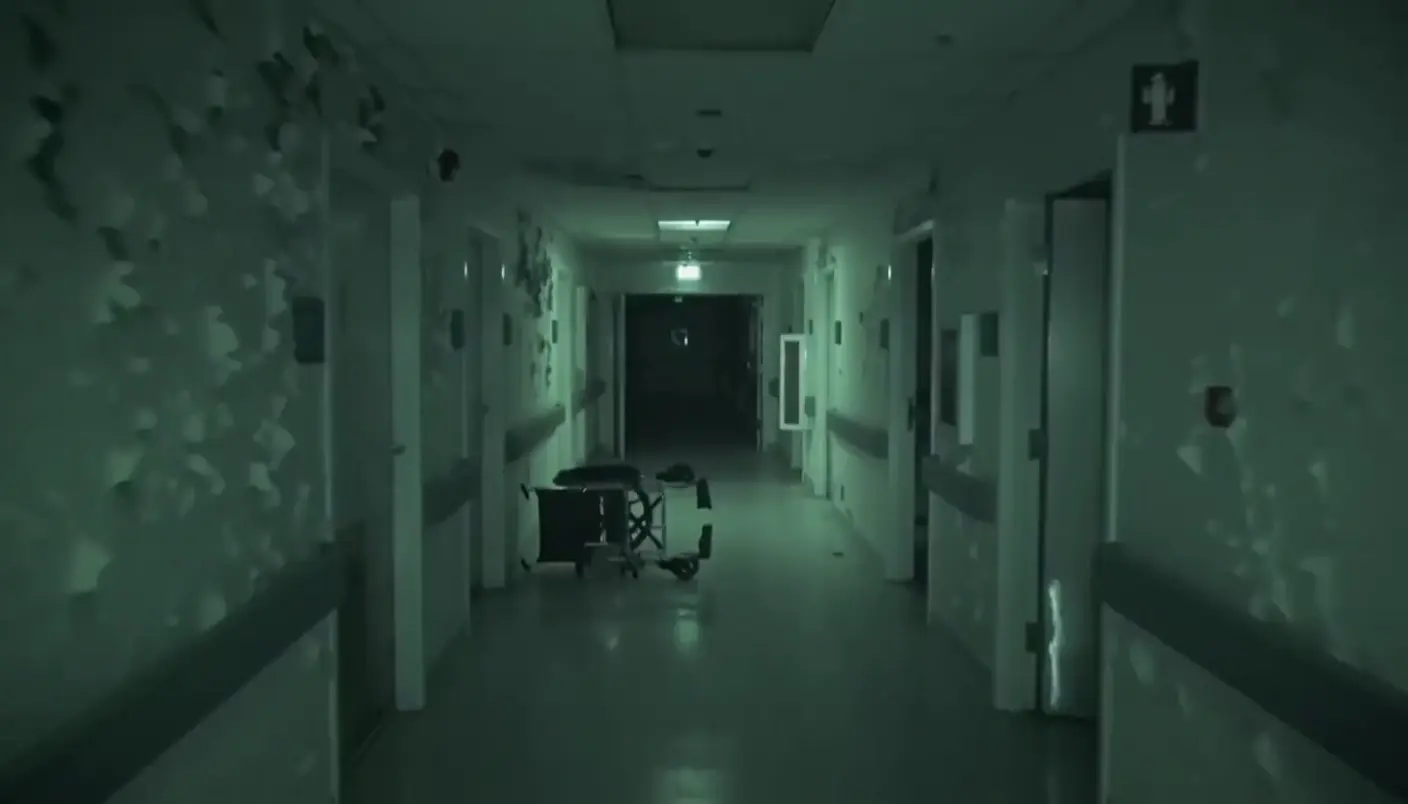
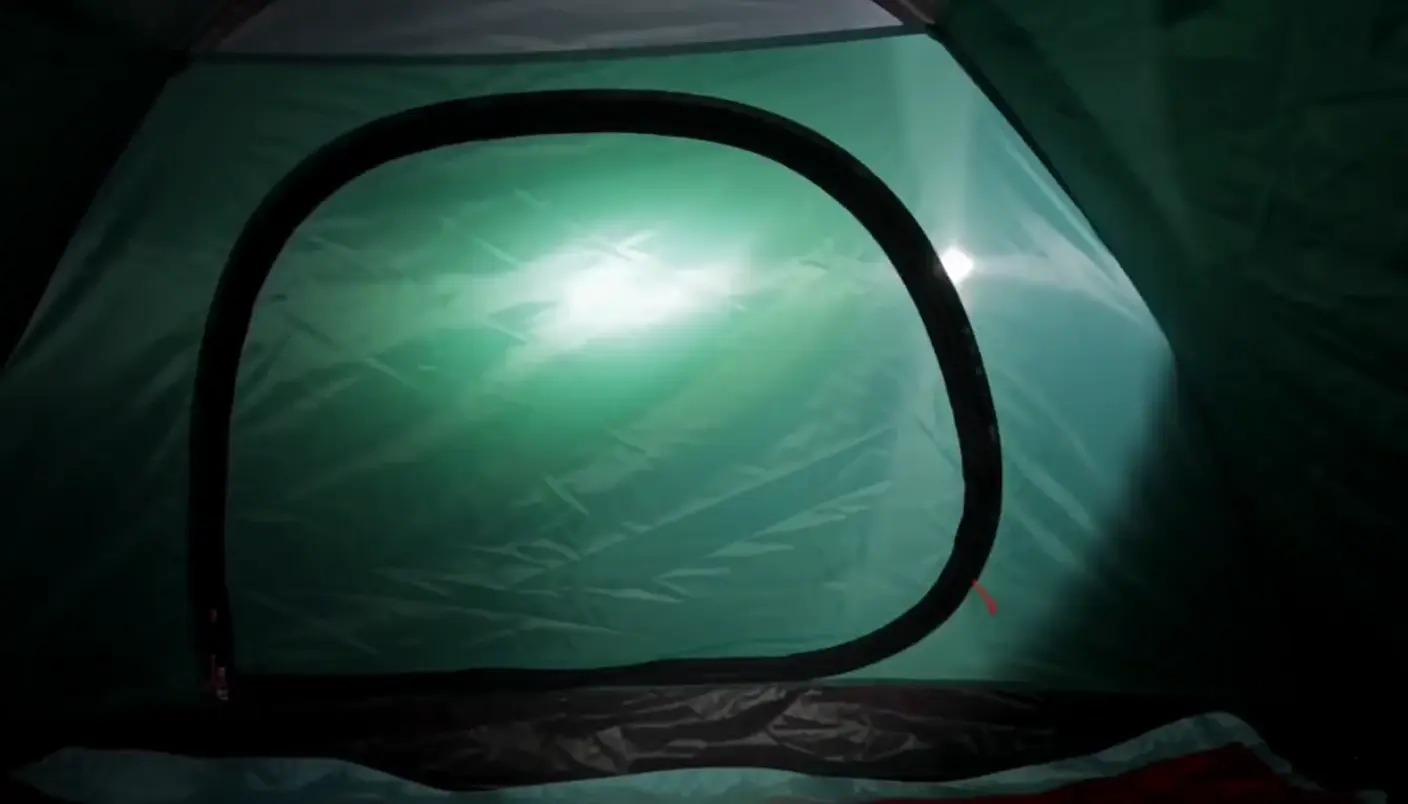
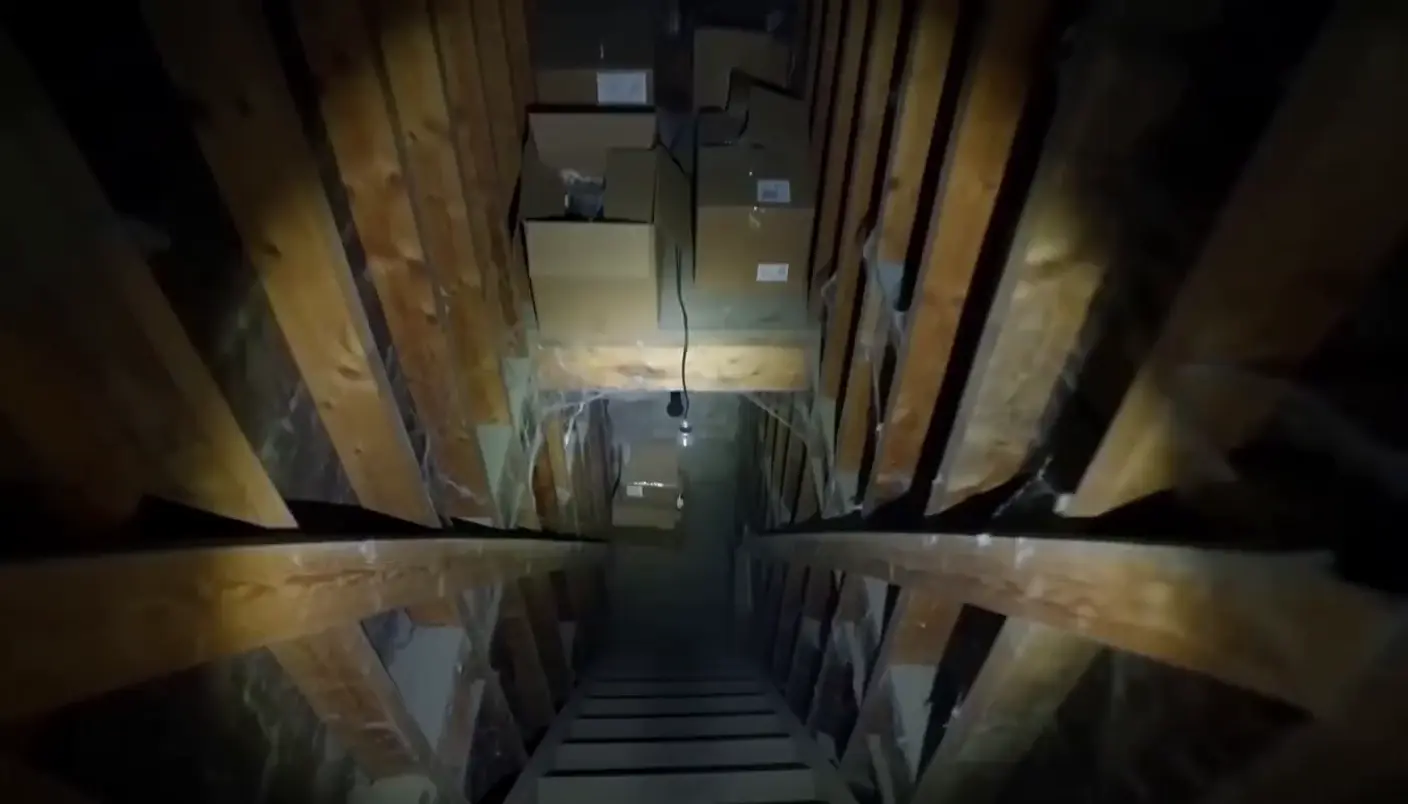
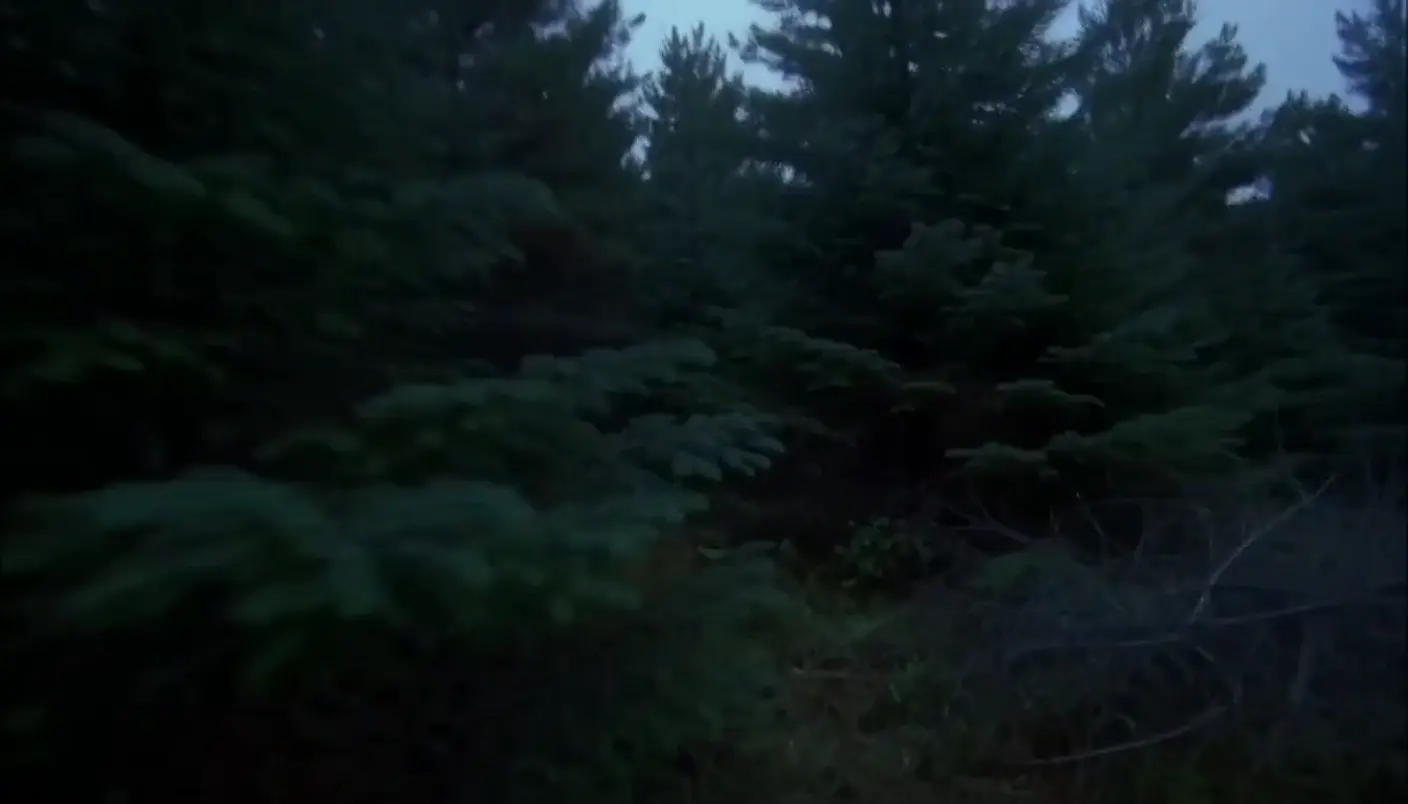
A found footage shot looks like it was filmed by a character on a consumer camera: handheld shake, night vision, failing light and heavy grain. Every flaw is a choice that makes the horror feel caught on tape. Describe the camera and its limits in Morphic and generate the shot from a prompt.
Found footage shots you can generate
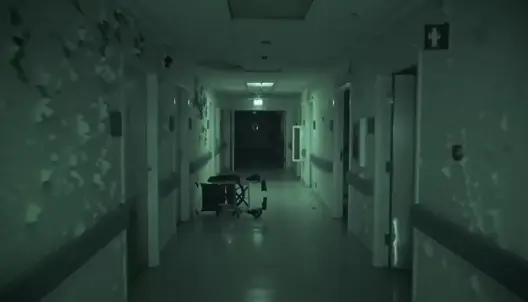
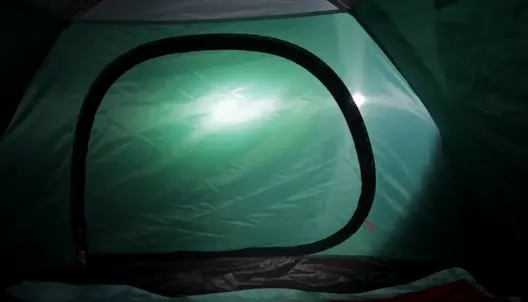
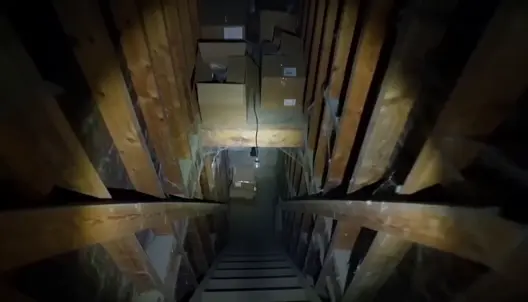
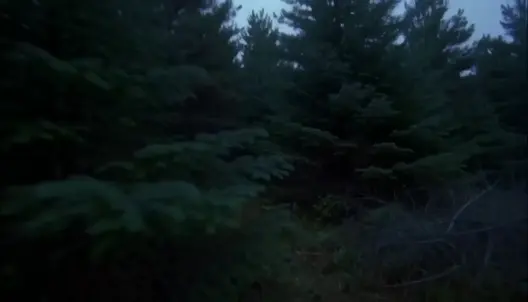
When to use a found footage shot
Making horror feel real
The viewer accepts the camera as evidence, so a found footage shot makes a ghost or a creature feel documented.
Hiding the threat
Narrow flashlight beams, night vision and a camera that will not hold still let you show less and suggest more.
Low-budget horror shorts
One location, no crew polish and a deliberately rough image suit short horror videos and social clips built around a single scare.
Analog horror and archive looks
Tape noise, washed-out colour and security-camera angles turn a scene into a recovered recording for mystery and analog horror stories.
Make Found footage shot in three steps
- 01
Describe your image
Describe the Found footage shot you want, in plain words.
- 02
Generate the image
Morphic generates a clean, ready-to-publish image on your canvas in seconds.
- 03
Refine and share
Tweak the prompt, regenerate variations, then download or share the frame.

Cinematic storyboard
Share a scene description with character references. Get a full storyboard with shot angles and mood.

3x3 storyboard
Feed in a single image. Get 9 cinematic beats laid out as a 3x3 storyboard grid.
Cinematic scene
One image to a 9-scene cinematic video.

Messages to cinematic scene
Dramatize any text conversation into a cinematic multi-shot video.
Time-freeze effect
Cinematic time-freeze short film for any scene
Put yourself in a movie
Drop in a photo of yourself. Get a 12-second cinematic movie with animation and a matched soundtrack.
You might also like
Handheld shot
A handheld shot carries a live, organic shake for realism and urgency. See how it differs from a steadicam, when to use it, and animate one in Morphic.
Found Footage Horror AI Videos
Create AI Found Footage Horror videos with Morphic. Generate Found Footage Horror scenes and visuals for any project in seconds.
Halloween AI videos
Create spooky Halloween videos with AI in seconds. Haunted houses, pumpkins, ghosts, costumes. Pick a style, add your prompt, and generate in minutes.
Jump scare shot
The jump scare explained: setup, misdirection, the cut and the sound. See examples and generate your own jump scare shot with AI in seconds.
Simple pricing
Get started for free today, with the option to upgrade or cancel anytime.
Basic
2400 monthly credits
1 user only
All models
Workflows
Standard
3625 monthly credits
1 user only
All models
Workflows
Pro
6350 shared monthly credits
1 user
All models
Workflows
Max
24650 shared monthly credits
1 user
All models
Workflows
Enterprise
For higher limits
Custom
pricing and billing terms

Free
For playing around
$0
forever free