Parallel editing
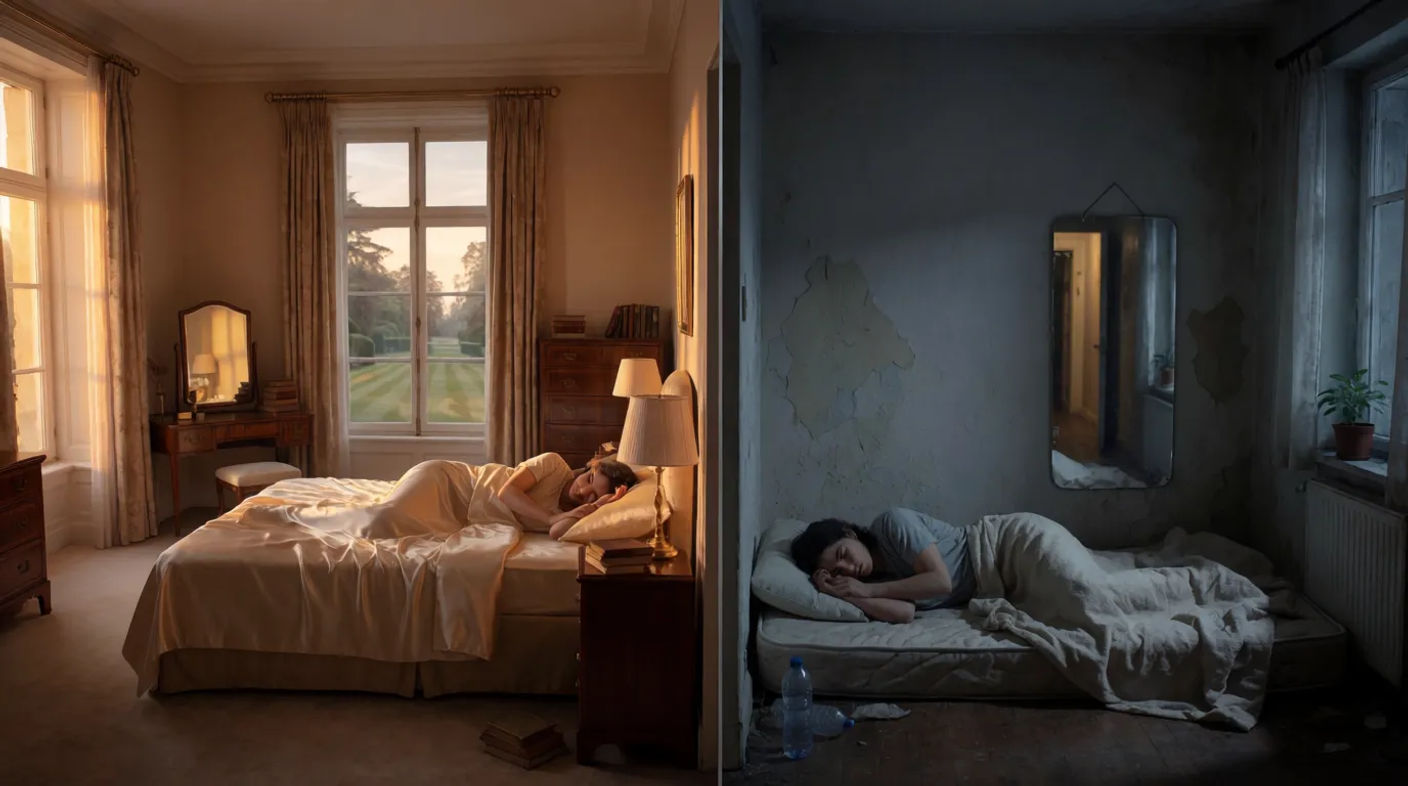
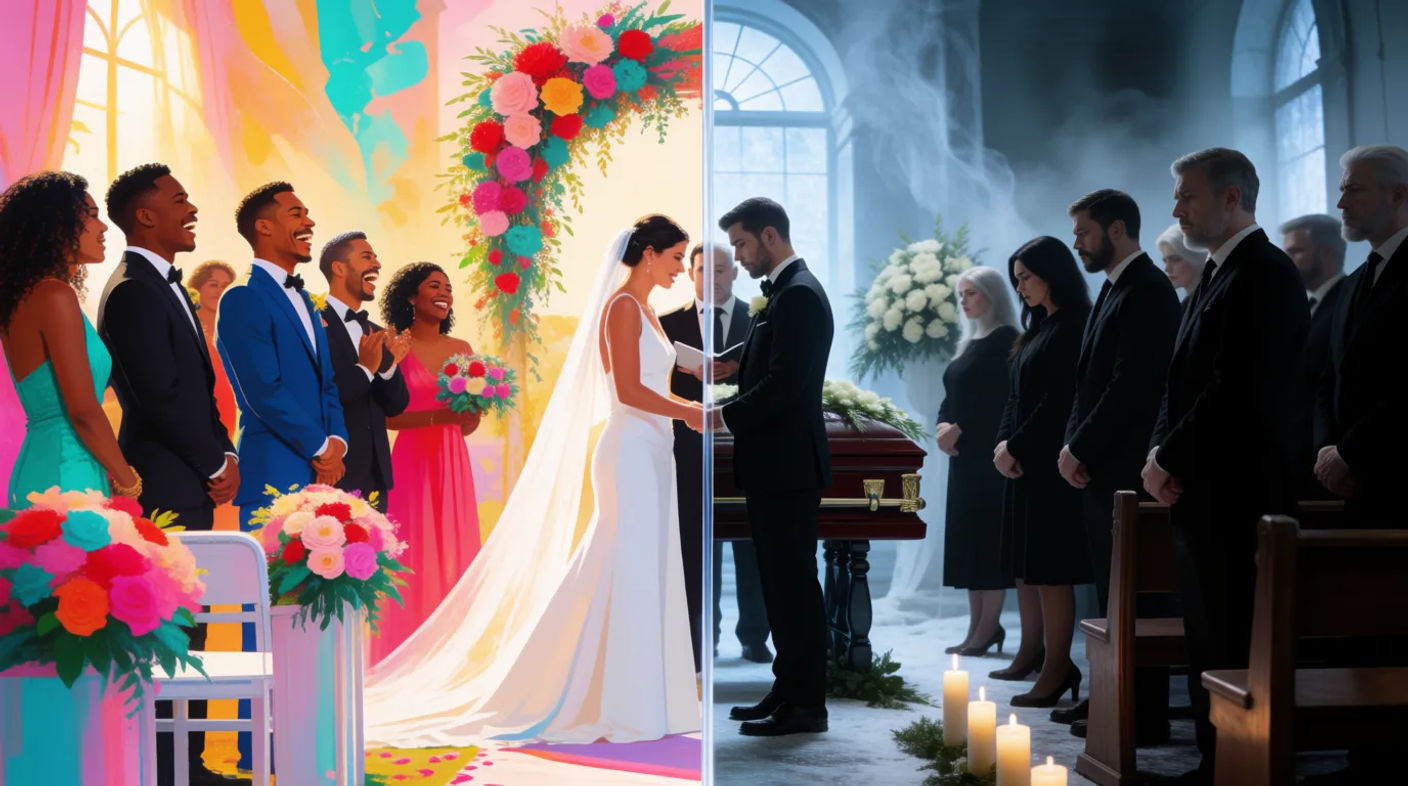
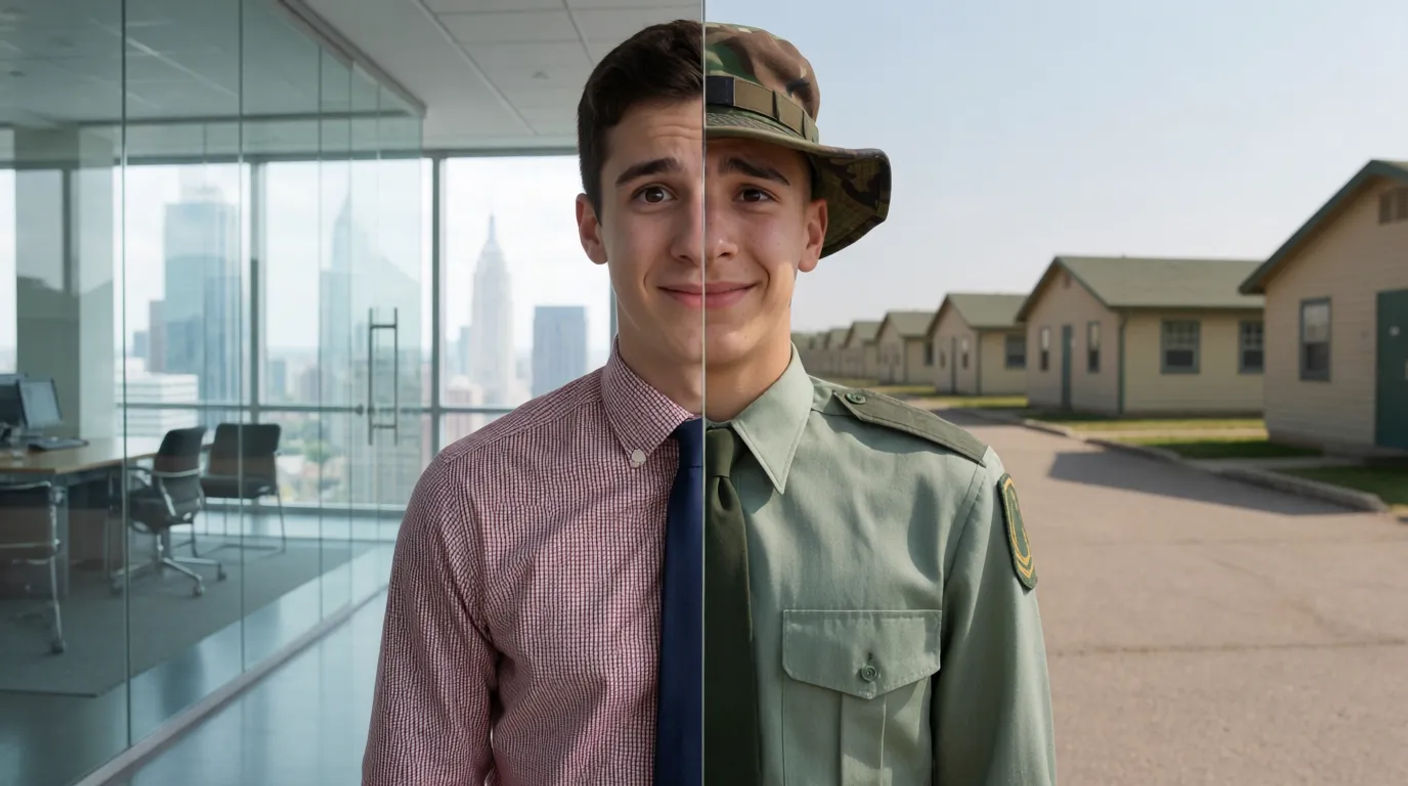
Parallel editing weaves two or more storylines together by cutting between them, so separate threads advance side by side and comment on each other. Where cross cutting chases a collision, parallel editing can simply run lives in tandem. Generate the paired frames in Morphic, then animate them with Image to Video.
Parallel edits you can generate

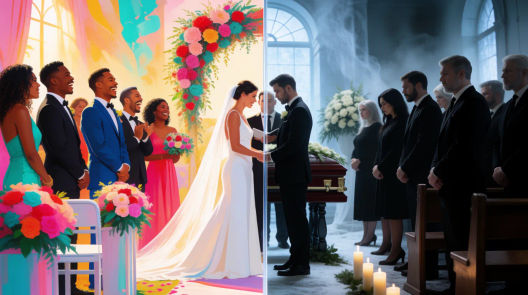
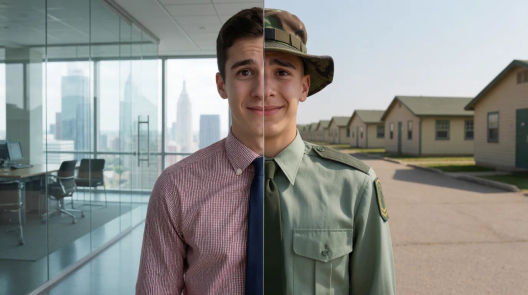

When to use parallel editing
Running two storylines
Cutting between plots lets a film develop several characters or threads at once, keeping them all alive across a scene.
Drawing a contrast
Placing two lives side by side invites comparison, so one storyline quietly comments on the other.
Converging arcs
Parallel threads can be steered toward a meeting, the editing setting up a payoff when they finally join.
Compressing a montage
Intercutting progress across two fronts can cover a lot of story economically, showing change on both at once.
Related cinematic techniques
Make Parallel editing in three steps
- 01
Describe your image
Describe the Parallel editing you want, in plain words.
- 02
Generate the image
Morphic generates a clean, ready-to-publish image on your canvas in seconds.
- 03
Refine and share
Tweak the prompt, regenerate variations, then download or share the frame.
Cinematic scene
One image to a 9-scene cinematic video.

Cinematic storyboard
Share a scene description with character references. Get a full storyboard with shot angles and mood.

3x3 storyboard
Feed in a single image. Get 9 cinematic beats laid out as a 3x3 storyboard grid.
Color grade cinema
Set the look with one reference image. Apply that exact grade to any scene or batch.

Messages to cinematic scene
Dramatize any text conversation into a cinematic multi-shot video.
Time-freeze effect
Cinematic time-freeze short film for any scene
You might also like
Dolly shot
Create a dolly shot with AI video. Copy the prompts behind each example, push in or pull out, and generate the camera move in Morphic.
Wide shot
A wide shot places the subject inside their surroundings. See how it differs from a long shot, when to use each, and generate one in Morphic.
Time-lapse shot
A time-lapse shot speeds hours into seconds so slow change reads at a glance. See when to use it and generate AI time-lapse footage in Morphic.
B-roll shot
B-roll is the supporting footage that covers cuts and adds texture. See what counts as B-roll, when to use it, and generate it in Morphic.
Simple pricing
Get started for free today, with the option to upgrade or cancel anytime.
Basic
2400 monthly credits
1 user only
All models
Workflows
Standard
3625 monthly credits
1 user only
All models
Workflows
Pro
6350 shared monthly credits
1 user
All models
Workflows
Max
24650 shared monthly credits
1 user
All models
Workflows
Enterprise
For higher limits
Custom
pricing and billing terms

Free
For playing around
$0
forever free