Every video model
One workspaceMusic video looks you can create
Make a music video in three steps
- 01
Open Morphic
Sign up and start creating on a free-flowing, infinite visual canvas.
- 02
Generate the visuals
Describe each shot from the song's mood. Setting, camera move, palette, energy.
- 03
Cut to the beat
Drop your track on Compose, place the shots, and trim the cuts to the beat.
Use cases
Independent artists without a video budget
Put a real music video behind your single with no crew, location, or shoot day. Generate every shot from a prompt and edit them yourself.

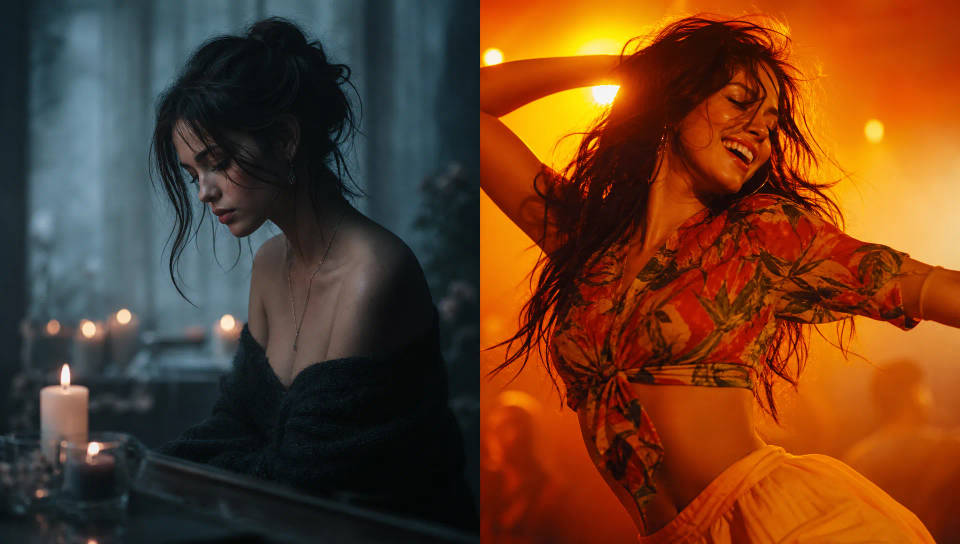
Match the visuals to your song's mood
Lead with emotion. Name the genre, palette, and setting so a slow ballad reads soft and warm while an uptempo track reads bright and kinetic.
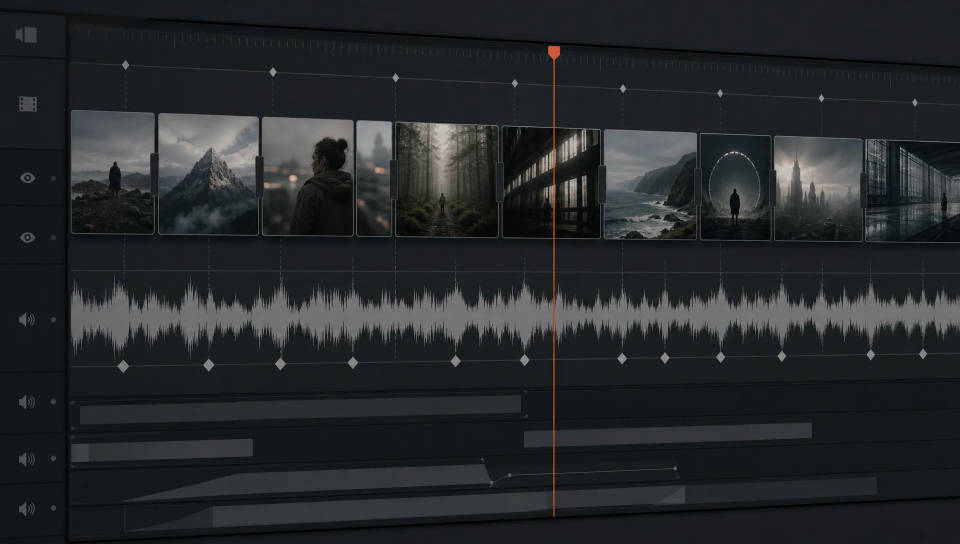
Cut to the beat on Compose
Drop the track onto Compose, lay your shots along the timeline, and trim the cuts to land on the beat, tight through the chorus, looser through the verses.
Visualizers and loops for streaming and socials
Build lyric-free visualizers and looping backgrounds that hold on their own, loop cleanly for streaming, and give the track a moving visual for every post.

Cinematic scene
One image to a 9-scene cinematic video.
Put yourself in a movie
Drop in a photo of yourself. Get a 12-second cinematic movie with animation and a matched soundtrack.
Time-freeze effect
Cinematic time-freeze short film for any scene
Short film creator
Go from any idea to a finished short film with scenes, visuals, video, and music.
Renovation timelapse
Photo of any real-estate becomes a cinematic renovation timelapse video with construction SFX and music.
Motion transfer
Pair a character image with a reference video. Your character picks up that exact motion.
All on Morphic
Your complete music video stackModels
Kling 3.0, Hailuo 2.3, LTX 2.3, Seedance 2.0, Veo 3.1, Vidu Q3, and more. Pick the model that fits the shot and swap mid-project.
Camera rig
Direct each shot like a DP. Pick the Camera body, Lens, and Focal length, and the color and texture shift to match so the video holds one grade.
Sync on Compose
Drop your track onto Compose, lay the shots along the timeline, trim the cuts to the beat, and export the finished music video in 4K.
Workflows
Convert a finished sequence into a Workflow, rerun it, and share it with your team. The same recipe, every batch.
