The charring log, held
A locked macro on the cut face of a split hardwood log, orange seams opening along the grain while ash whitens at the edges. Paced so the last frame can match the first.
Edit prompt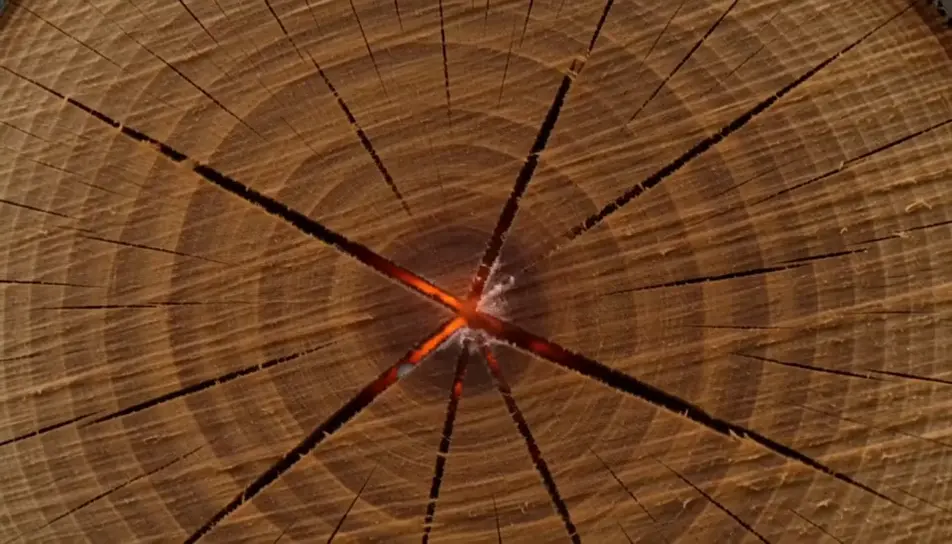
Generate a fireplace screensaver in your browser with Morphic's fireplace screensaver AI video generator. Render a split log charring down to orange seams, or firelight sliding across a plastered wall, then hold the loop on Compose.
A locked macro on the cut face of a split hardwood log, orange seams opening along the grain while ash whitens at the edges. Paced so the last frame can match the first.
Edit promptA modern linear burner running a low blue flame across ceramic pebbles, the surrounding room left in near darkness. The flame height never changes, so the plate can run for hours.
Edit prompt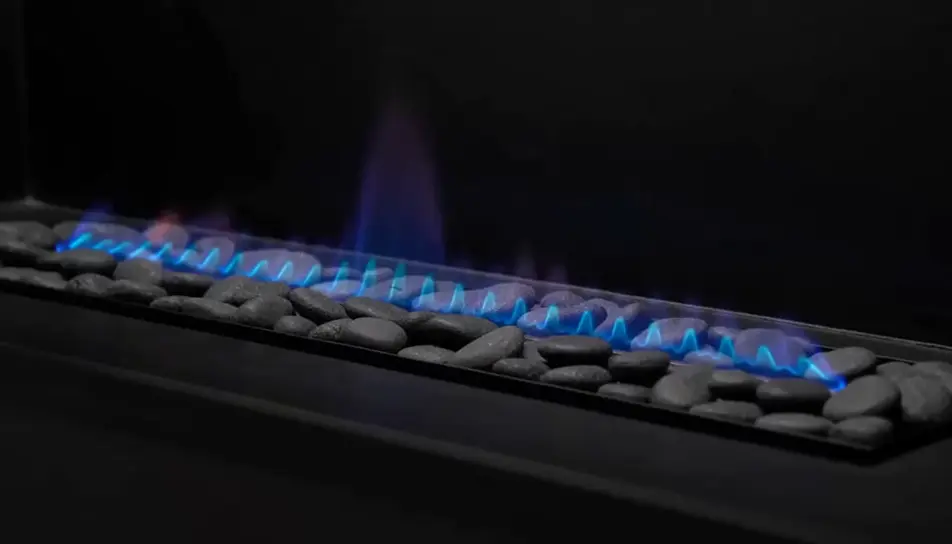
Wide exterior on an iron fire bowl burning on a flagstone terrace, moonlight picking out the hedge behind. One small warm point in a large cold frame, no sparks bursting.
Edit prompt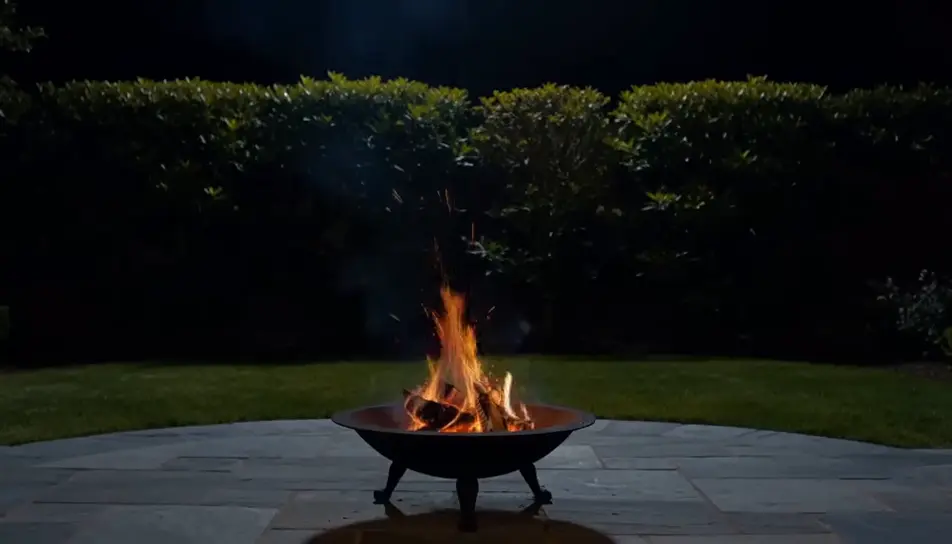
Rough plaster lit only by firelight thrown from outside the frame, warm shapes travelling slowly across the texture. Quiet enough to sit behind titles or a clock.
Edit prompt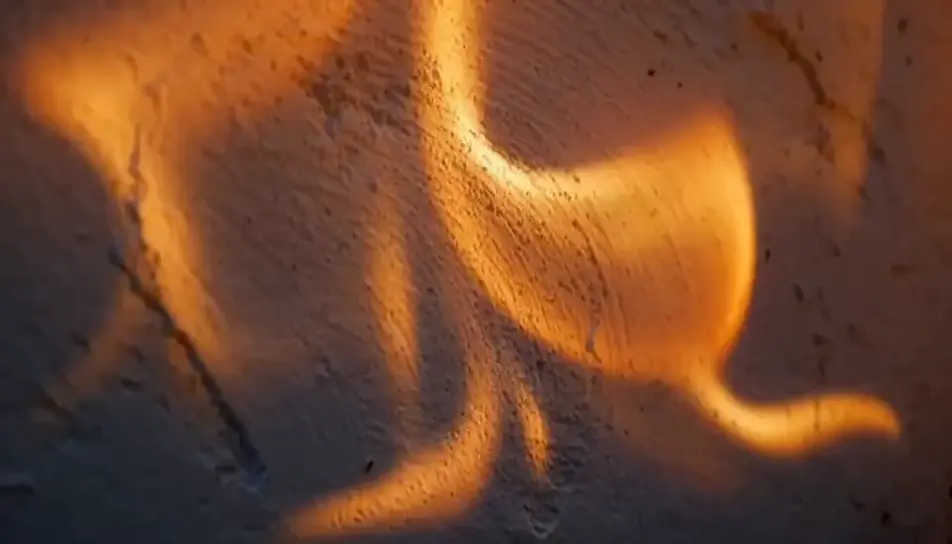
Write the fireplace screensaver scene you want, in plain words.
Morphic generates a cinematic, frame-ready clip on your canvas in seconds.
Tweak the prompt, regenerate variations, then download or share the shot.

Dramatize any text conversation into a cinematic multi-shot video.
Cinematic time-freeze short film for any scene

Generate a professional film title card from scratch, with optional cinematic animation.
Photo of any real-estate becomes a cinematic renovation timelapse video with construction SFX and music.
One image to a 9-scene cinematic video.
Drop in a photo of yourself. Get a 12-second cinematic movie with animation and a matched soundtrack.
AI Screensaver videos
Generate AI screensaver videos with Morphic. Slow-drifting abstract loops, calm gradients, and seamless ambient screensaver prompts that just run.
AI Fireplace videos
Generate AI fireplace videos with Morphic. Cozy crackling fire loops, stone hearths, wood stoves, and warm fireside backdrops for screens and streams.
AI Ambient Loop videos
Generate AI ambient loop videos with Morphic. Seamless looping backdrops, slow-motion scenes, and calm perpetual visuals for streams, screens, and focus.
AI winter screensaver
Browse winter screensaver and generate your own shots at the exact length, ratio and look the cut needs. Morphic makes video, image, voice and sound.
Get started for free today, with the option to upgrade or cancel anytime.
Basic
2400 monthly credits
1 user only
All models
Workflows
Standard
3625 monthly credits
1 user only
All models
Workflows
Pro
6350 shared monthly credits
1 user
All models
Workflows
Max
24650 shared monthly credits
1 user
All models
Workflows
Enterprise
For higher limits
Custom
pricing and billing terms

Free
For playing around
$0
forever free