Mist over a dawn lake
A wide hold across a still lake at first light, a mist layer sliding slowly over the water while the far shore stays a soft grey line.
Edit prompt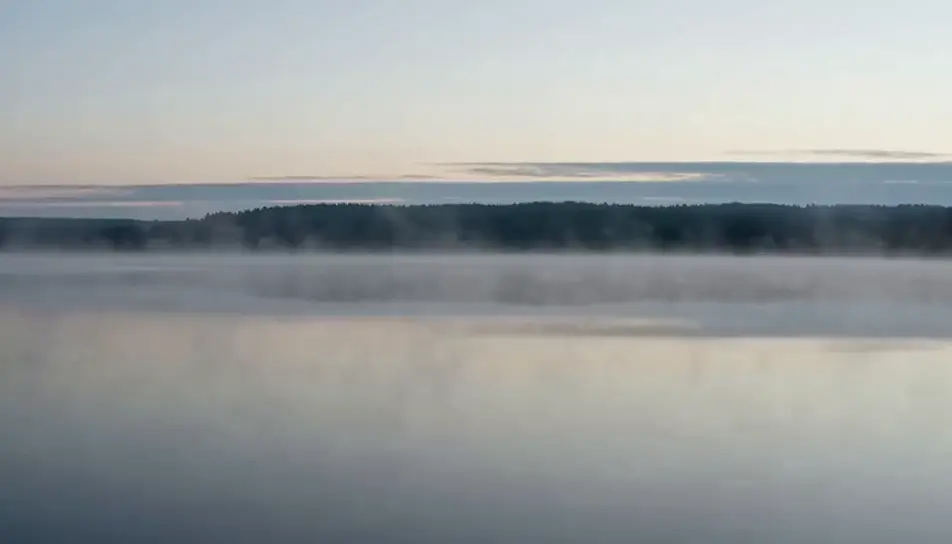
Generate a relaxing screensaver in Morphic's AI video generator: mist drifting off a still lake at dawn, or slow surf sliding back over wet pebbles. Set the loop on Compose.
A wide hold across a still lake at first light, a mist layer sliding slowly over the water while the far shore stays a soft grey line.
Edit promptLarge flakes falling straight down through a stand of dark pines at dusk, the snow on the ground taking no visible change in depth.
Edit prompt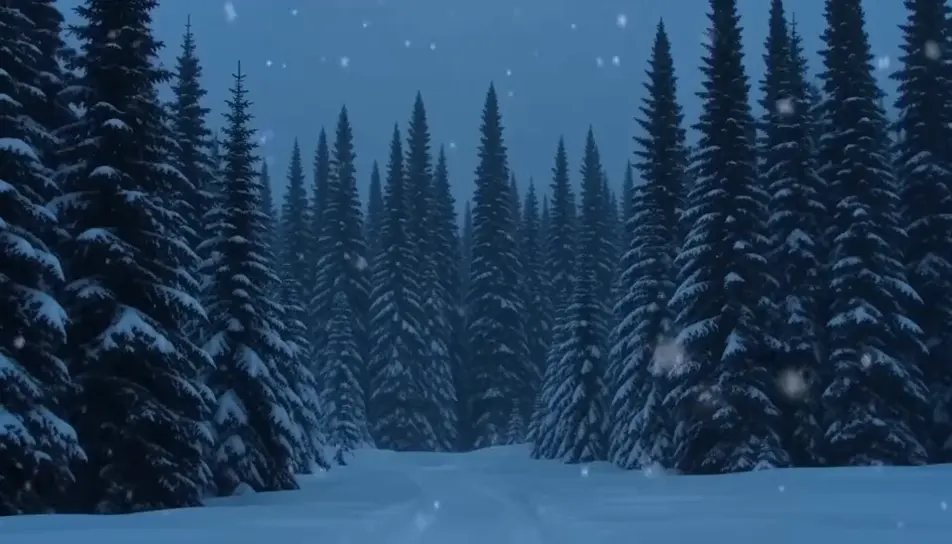
A low widescreen view along a pebble shore, each thin wave sliding up and sinking back through the stones under an even grey sky.
Edit prompt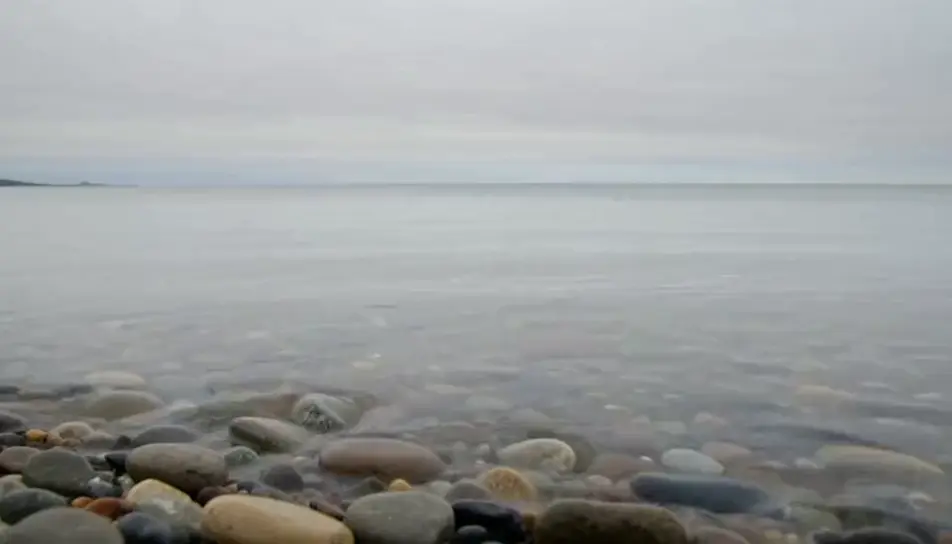
A flat pond at evening with reeds swaying gently at the edge of frame, their reflection breaking and closing on the surface as they move.
Edit prompt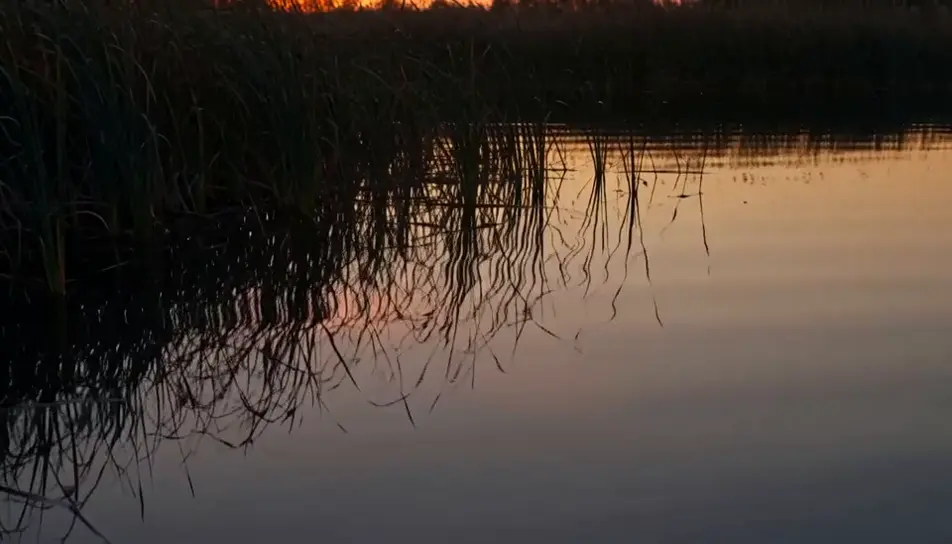
Write the relaxing screensaver scene you want, in plain words.
Morphic generates a cinematic, frame-ready clip on your canvas in seconds.
Tweak the prompt, regenerate variations, then download or share the shot.

Dramatize any text conversation into a cinematic multi-shot video.
Cinematic time-freeze short film for any scene

Generate a professional film title card from scratch, with optional cinematic animation.
Photo of any real-estate becomes a cinematic renovation timelapse video with construction SFX and music.
One image to a 9-scene cinematic video.
Drop in a photo of yourself. Get a 12-second cinematic movie with animation and a matched soundtrack.
AI Screensaver videos
Generate AI screensaver videos with Morphic. Slow-drifting abstract loops, calm gradients, and seamless ambient screensaver prompts that just run.
AI cute screensaver
Browse cute screensaver loops and generate your own at the exact length, ratio and mood the screen needs. Morphic makes video, image, voice and sound.
AI Nature Ambience videos
Generate AI nature ambience videos with Morphic. Sunlit forests, mountain streams, and calming nature loops for sleep, focus, and background screens.
AI Ambient Loop videos
Generate AI ambient loop videos with Morphic. Seamless looping backdrops, slow-motion scenes, and calm perpetual visuals for streams, screens, and focus.
Get started for free today, with the option to upgrade or cancel anytime.
Basic
2400 monthly credits
1 user only
All models
Workflows
Standard
3625 monthly credits
1 user only
All models
Workflows
Pro
6350 shared monthly credits
1 user
All models
Workflows
Max
24650 shared monthly credits
1 user
All models
Workflows
Enterprise
For higher limits
Custom
pricing and billing terms

Free
For playing around
$0
forever free