One pull, all the way up
Macro on glitter slime rising in a single unbroken ribbon under a hard key light, thinning to a thread and breaking. The camera never cuts away.
Edit prompt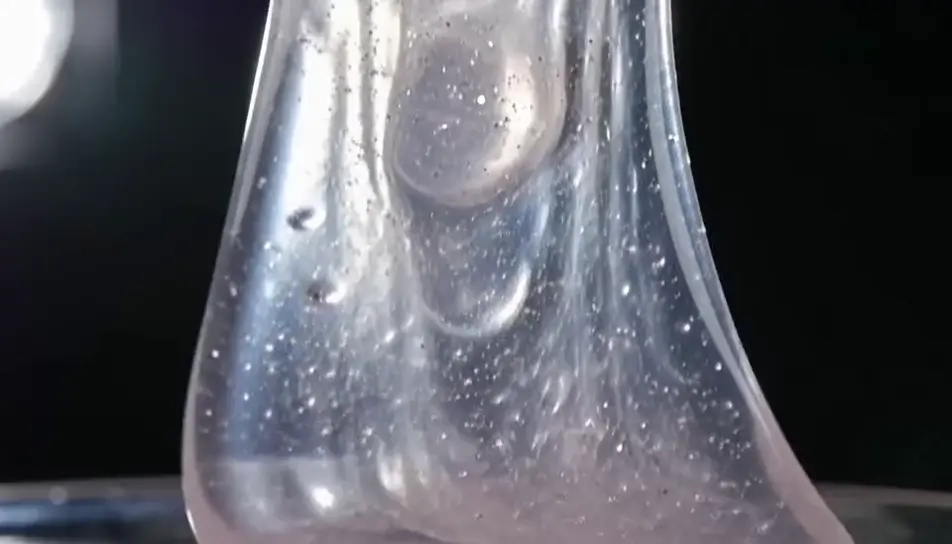
Generate slime videos in your browser with Morphic's slime AI video generator and get the stretch, the pull and the crackle. Render glitter slime pulled into a long ribbon, or cloud slime crumbling through fingers, then cut the takes into one loop on Compose.
Macro on glitter slime rising in a single unbroken ribbon under a hard key light, thinning to a thread and breaking. The camera never cuts away.
Edit promptA scraper passing across butter slime on a metal tray in soft side daylight, each stroke leaving a matte layer and a clean ridge at the boundary.
Edit prompt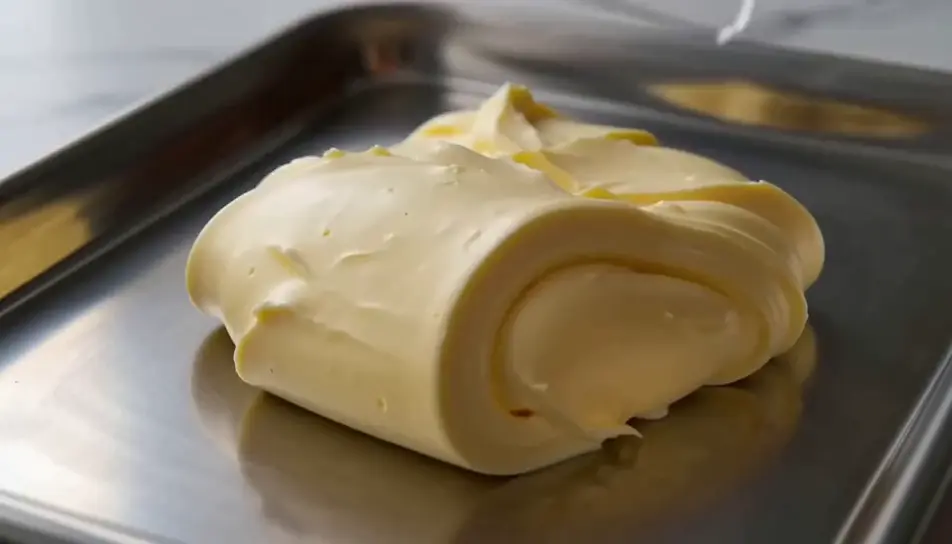
Clear slime closing over glass beads in a bowl with a strong light behind, so the beads glow and shift while the mass slowly swallows them.
Edit prompt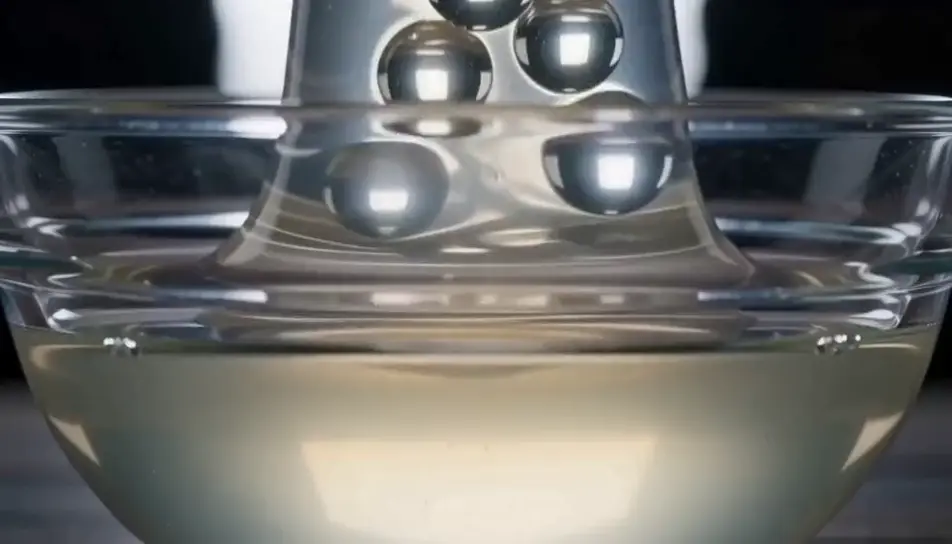
A wide shelf of unlabelled jars in even light, one lifted down and twisted open, the lid coming free with a slow crackle. Nothing in frame carries a label.
Edit prompt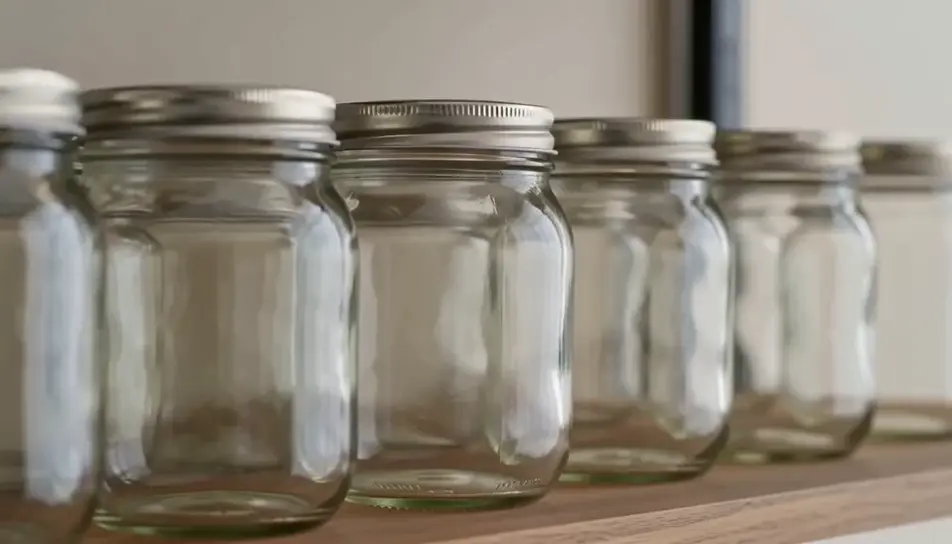
Write the slime scene you want, in plain words.
Morphic generates a cinematic, frame-ready clip on your canvas in seconds.
Tweak the prompt, regenerate variations, then download or share the shot.

Dramatize any text conversation into a cinematic multi-shot video.
Cinematic time-freeze short film for any scene

Generate a professional film title card from scratch, with optional cinematic animation.
Photo of any real-estate becomes a cinematic renovation timelapse video with construction SFX and music.
One image to a 9-scene cinematic video.
Drop in a photo of yourself. Get a 12-second cinematic movie with animation and a matched soundtrack.
AI satisfying videos
Browse satisfying videos and generate your own shots at the exact length, ratio and look the cut needs. Morphic makes video, image, voice and sound.
AI ASMR videos
Generate AI ASMR videos with Morphic. Close-up trigger loops, ambient soundscapes, whispered narration, and ready-to-post clips for YouTube and TikTok.
Fluid Simulation AI Videos
Fluid simulation videos with AI on Morphic. Flowing liquid, curling smoke, ink-in-water, and viscous realistic motion from a prompt. Start creating.
AI Material close-up videos
Create a material close-up video with Morphic. Shoot macro passes over fabric, metal, leather, and liquid that sell the feel without a crew or a shoot day.
Get started for free today, with the option to upgrade or cancel anytime.
Basic
2400 monthly credits
1 user only
All models
Workflows
Standard
3625 monthly credits
1 user only
All models
Workflows
Pro
6350 shared monthly credits
1 user
All models
Workflows
Max
24650 shared monthly credits
1 user
All models
Workflows
Enterprise
For higher limits
Custom
pricing and billing terms

Free
For playing around
$0
forever free