Every video model
One workspaceMontages you can make
Make a montage in three steps
- 01
Open Morphic
Sign up and start creating on a free-flowing, infinite visual canvas.
- 02
Bring your clips and track
Drop in your footage, or generate any shot you are missing, then pick the music.
- 03
Assemble and cut to the beat
Lay the clips out on Compose, cut to the beat, and let the transitions and pacing land.
Use cases
Beat-synced highlight reels
Turn a match, a trip, or an event into a highlight reel that cuts on the beat. Stack your best moments so every shot changes on the hit.

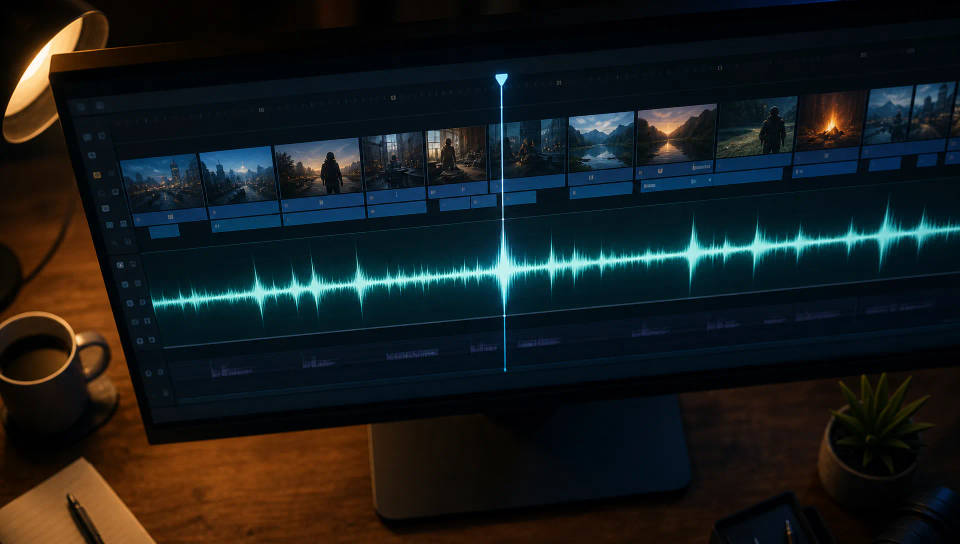
Assemble and cut on Compose
Lay your clips out on Compose, cut to the beat, and drop the track. Pacing and transitions come together fast, so you edit the montage, not the timeline.
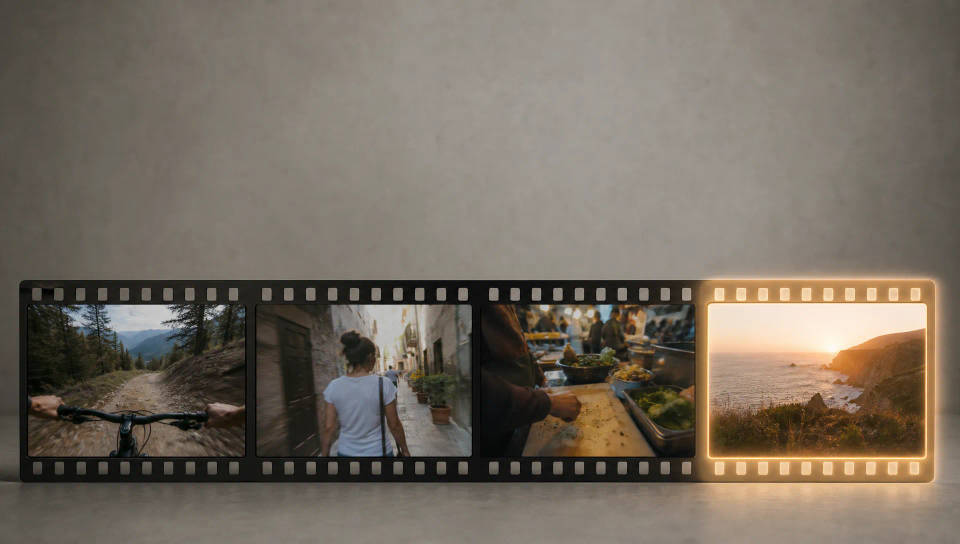
Generate any missing shot
Missing the shot that ties the reel together? Generate it with text-to-video, or restyle a clip you have with video-to-video, then drop it into the cut.
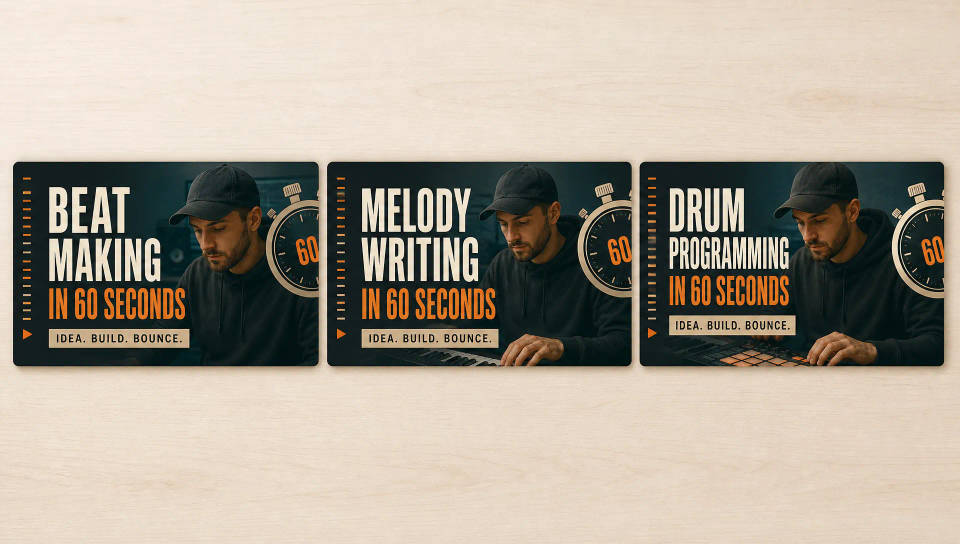
A repeatable montage format
Save a finished montage as a Workflow and rerun it for the next episode, match, or trip. Fresh clips, the same beat-cut pacing, one consistent look.
Cinematic scene
One image to a 9-scene cinematic video.
Time-freeze effect
Cinematic time-freeze short film for any scene
Put yourself in a movie
Drop in a photo of yourself. Get a 12-second cinematic movie with animation and a matched soundtrack.
Short film creator
Go from any idea to a finished short film with scenes, visuals, video, and music.
Next scene in sequence
Continues your scene sequence with perfect character consistency across frames.
Renovation timelapse
Photo of any real-estate becomes a cinematic renovation timelapse video with construction SFX and music.
All on Morphic
Your complete montage stackModels
Kling 3.0, Hailuo 2.3, LTX 2.3, Seedance 2.0, Veo 3.1, Vidu Q3, and more. Pick the model that fits the shot you need and swap mid-project.
Sync on Compose
Assemble your clips on Compose, cut to the beat, and drop the track. The cuts land on the hits so the montage feels edited, not stitched.
Generate a missing shot
Fill a gap without a reshoot. Use text-to-video for a shot you never filmed, or video-to-video to restyle footage to match.
Workflows
Convert a finished montage into a Workflow, rerun it on fresh clips, and share it with your team. The same recipe, every batch.
