Every image model
One workspaceMade with image models on Morphic
Key features
Up to 4 images, one edit
Seat people from separate selfies at one table, or dress a model in pieces from three product shots. Name each image by number.
Complex edits, scene kept
Add furniture to an empty room and the camera angle, walls and light stay as shot, so the result still reads as the same photo.
Fast edit rounds
Krea built Krea 3 for speed, so you can try a placement, look at it, and run the next version without losing the thread.
One area, the rest kept
Change a scarf, a door or a sky and leave the face, the building and the light alone. Say what changes, then what stays.
Templates and series
Reuse a poster, story or cover layout for a new product, or extend one design into a matching set of editions.
Style from references
Carry the look of up to 4 reference images, a print texture, a palette, a paint style, into a new edit.
Edit an image with Krea 3 in three steps
- 01
Add your images
Drop the photo you want to edit on the Canvas, then up to 3 more: a product, a person, a garment or a style to borrow.
- 02
Name each image
Write the edit and refer to images by number: the bag from image 2 on the woman in image 1. Then say what stays.
- 03
Run the next version
Look at the result, adjust one detail, and run it again. Compare versions side by side and keep the best.
What the Krea 3 editor makes
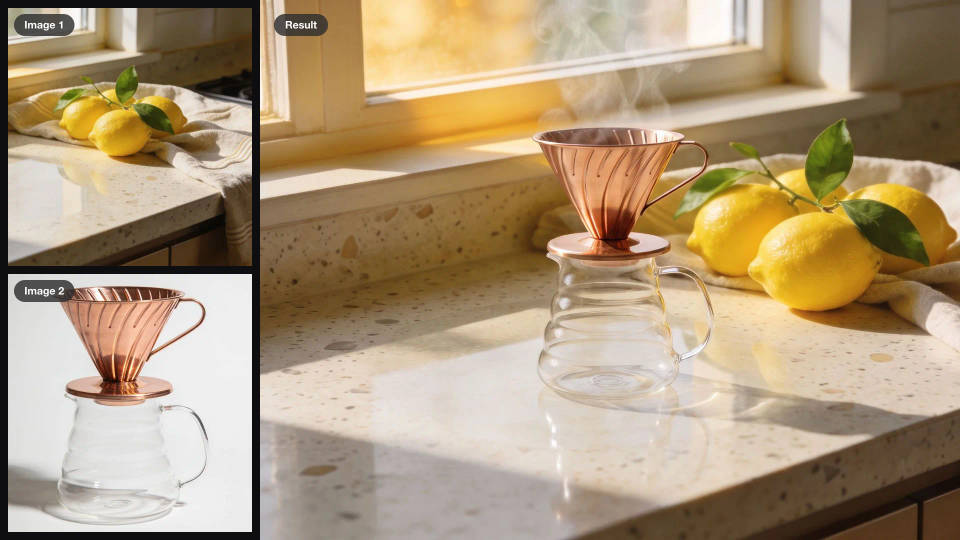
Products in a real scene
Place a product from a white-background shot onto a counter, a shelf or a desk. The scene's light, shadows and props stay as shot, so it reads as one photo.
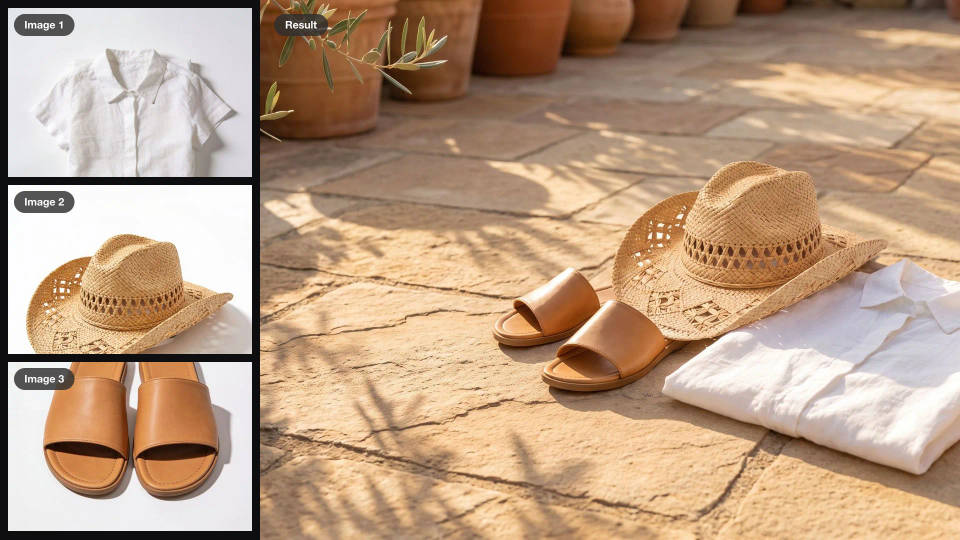
A banner from separate product shots
Style a shirt, a hat and a pair of sandals together on one sunlit terrace, with room left for a headline, ready for a homepage or an ad.
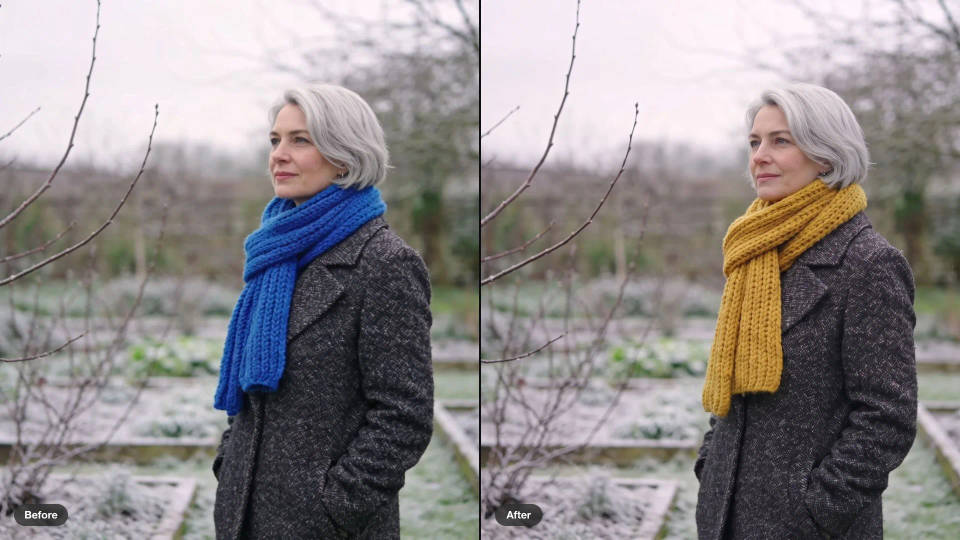
One detail changed, the rest kept
Recolor a scarf, a door or a sky while the face, the building and the light stay exactly where they were.
A story template, a new product
Reuse a social story layout for the next product: new photo, new headline, same color block, type and button.
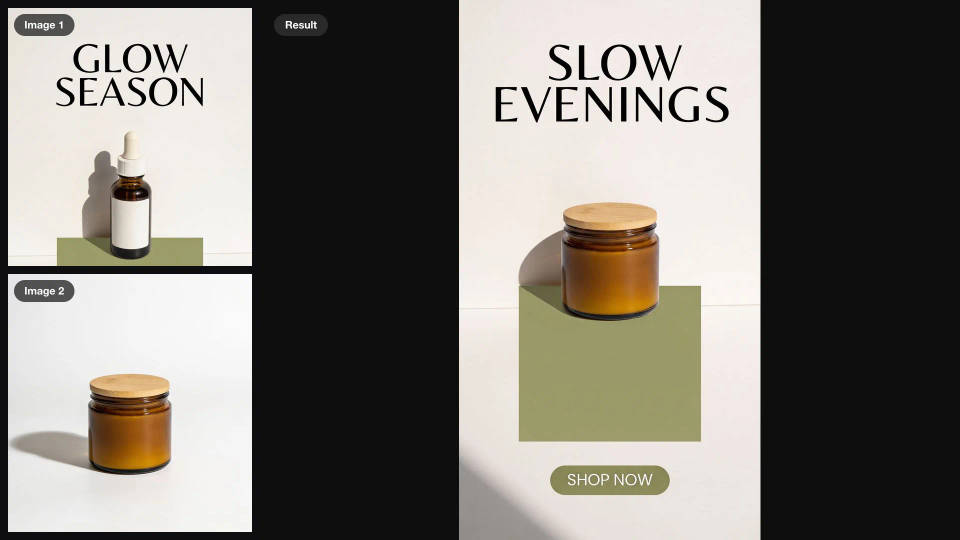

Image reverse engineer
Get a detailed prompt extracted from a reference image, and then a fresh recreation.

Jewelry campaign
One product shot becomes a full campaign pack with hero shots, angles, and format variations.

Anime sticker pack
Turn any image into anime-style stickers in PNG. Ready for messaging apps or social media.

Product mockup generator
Upload a product photo and get studio-quality shots on any surface with configurable lighting, angles, and aspect ratios.
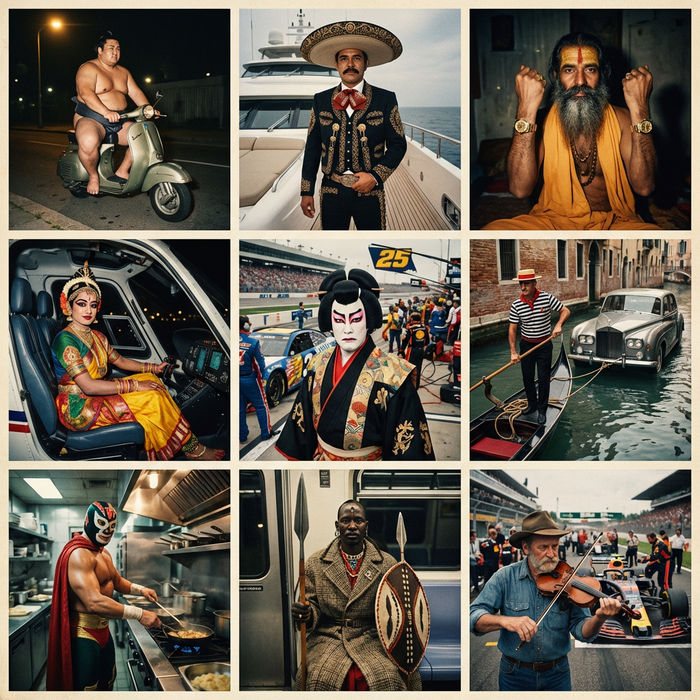
Paradox frames
Flash paradox photographs — any collision, any country

Character age progression
Upload a photo of a person or character and get a single grid image showing them at different life stages, from baby to elderly.
Krea 3, all on Morphic
Your complete image stackModels
Nano Banana Pro, GPT Image 2.5, Krea 2 and Seedream 5.0 Pro, side by side on one Canvas.
Image editing
Upload a frame and change it with a sentence. Combine, place, restyle or relight it with image-to-image.
Image to video
Animate the finished edit into a short clip, so the staged product shot becomes the ad that sells it.
Workflows
Turn an editing sequence into a one-click Workflow. Rerun it on the next product, share it, or favorite it.
